Watch LoadSnap
working.
Start with the full demo for the side of the trade you are on. Under it, 61 short videos, one per feature, each narrated and captioned in the same words. Search them by what you are trying to do, or by something you would expect to hear said.
The demos
Three tours of the whole thing, one for each kind of firm. Four minutes at most.
If you receive waste
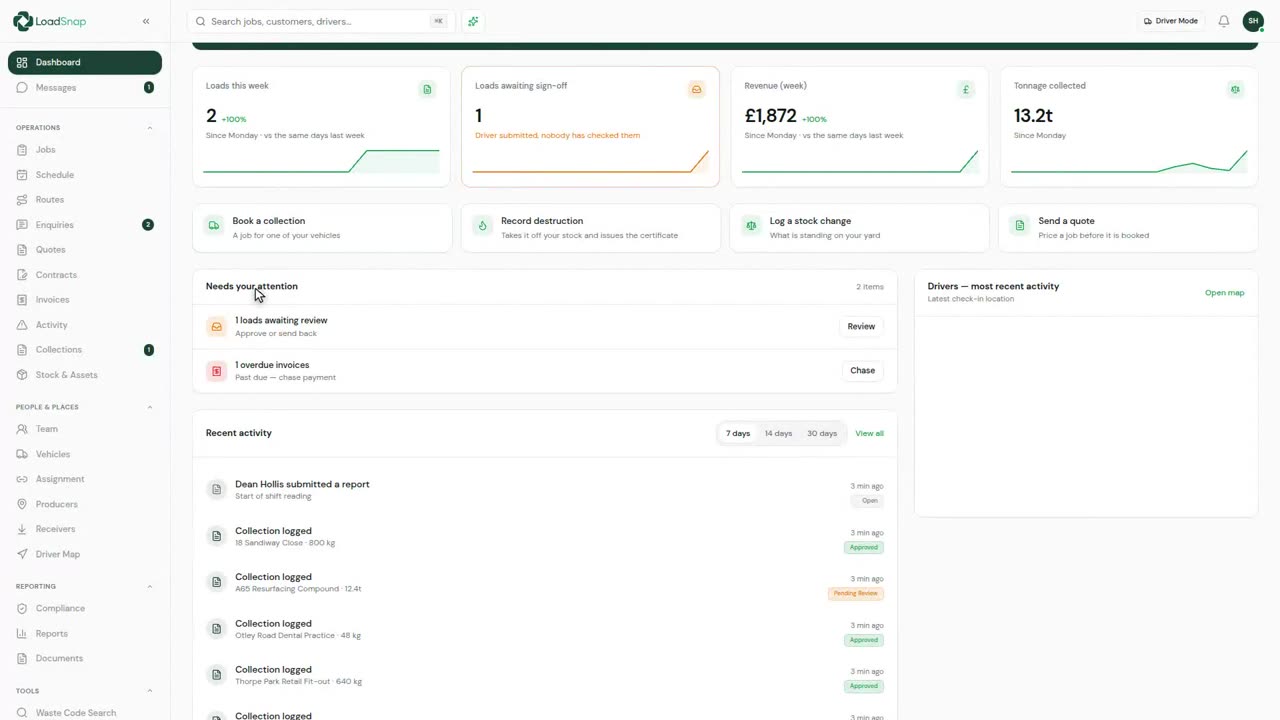
A load in at the gate, checked at a desk and filed.
If you carry waste
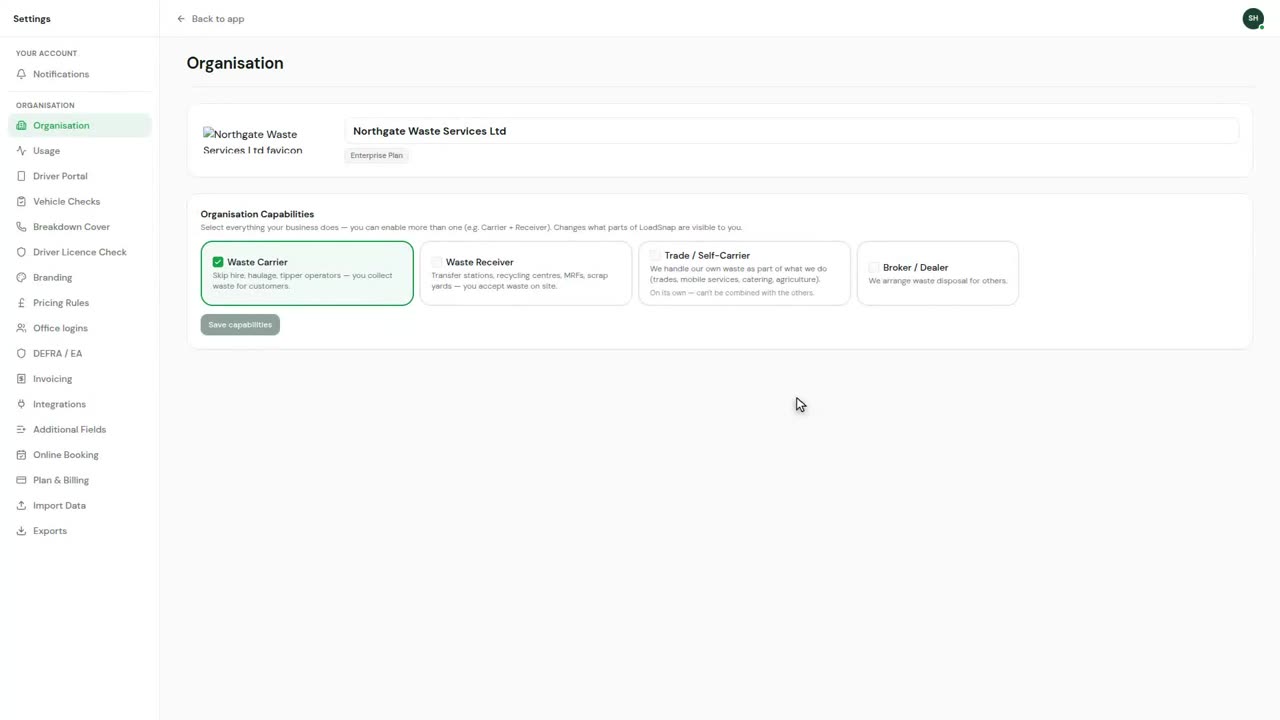
An enquiry through to the handover at the other end.
If you do both
Out on your vehicle and back through your own gate.
Winning work
 0:12
0:12Enquiries
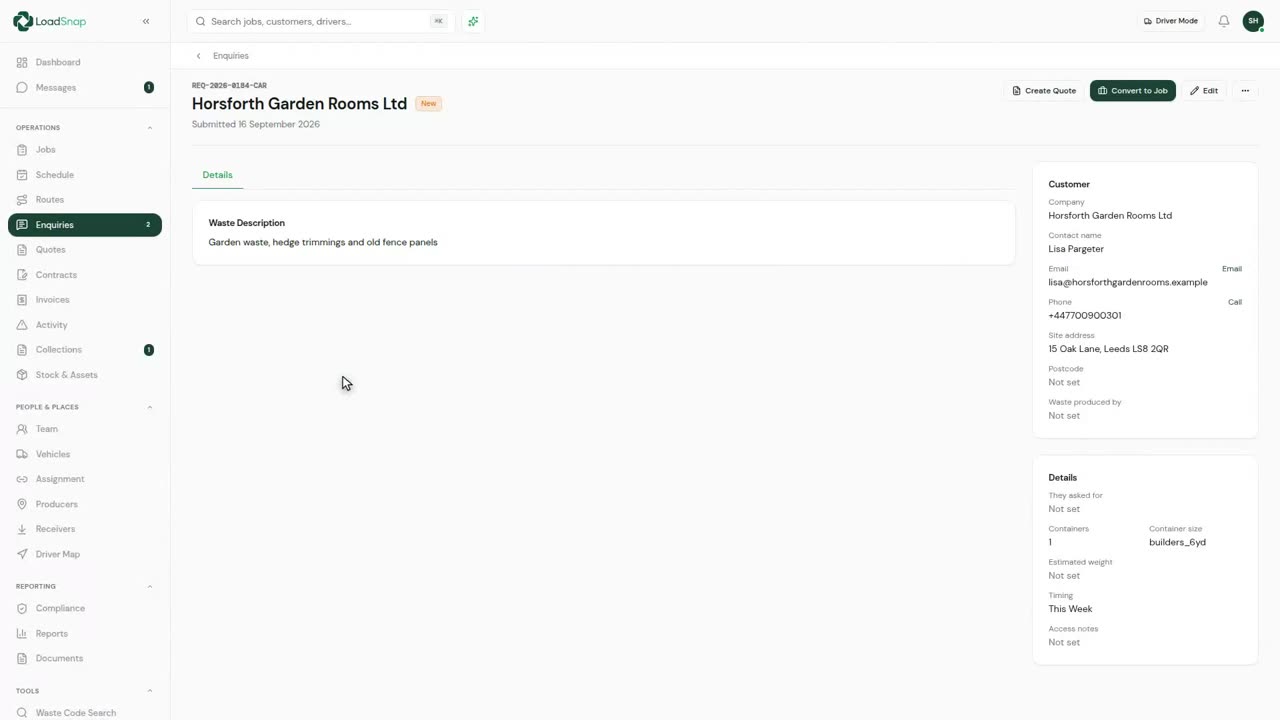
Enquiries are work coming in before it is a job.
 0:14
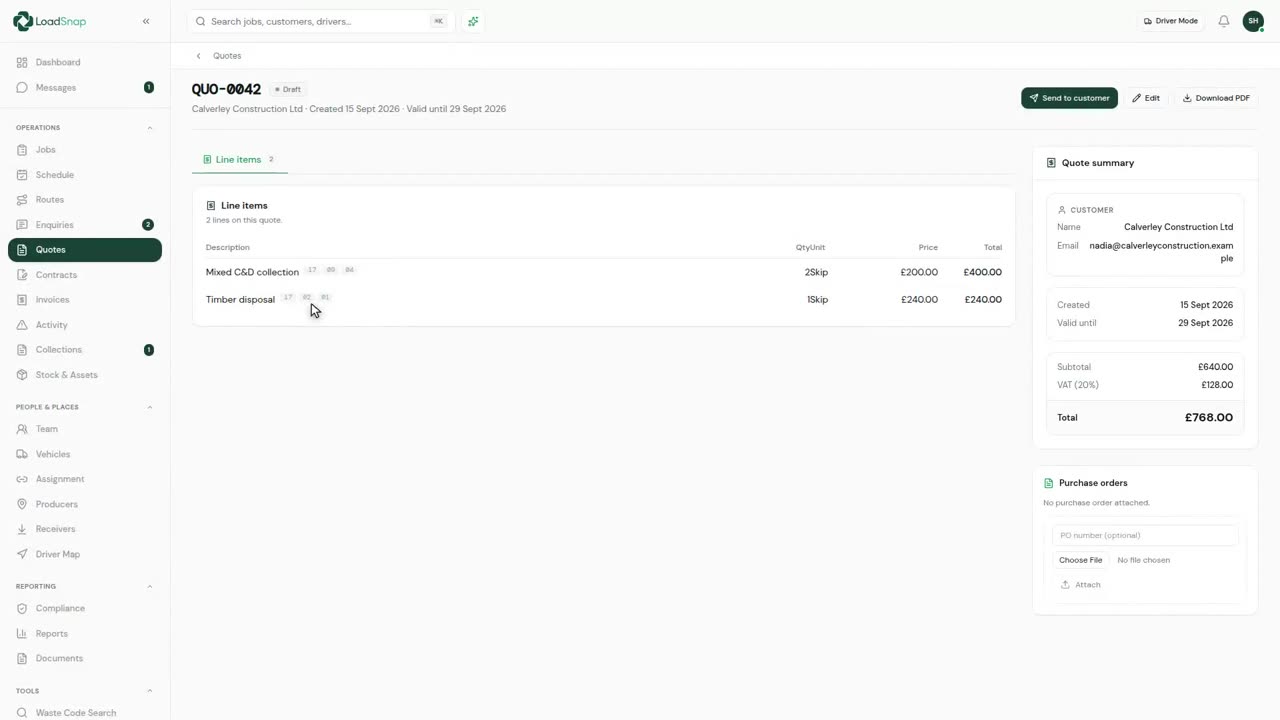
0:14Quotes
A quote is priced from your rate card rather than typed in.
 0:11
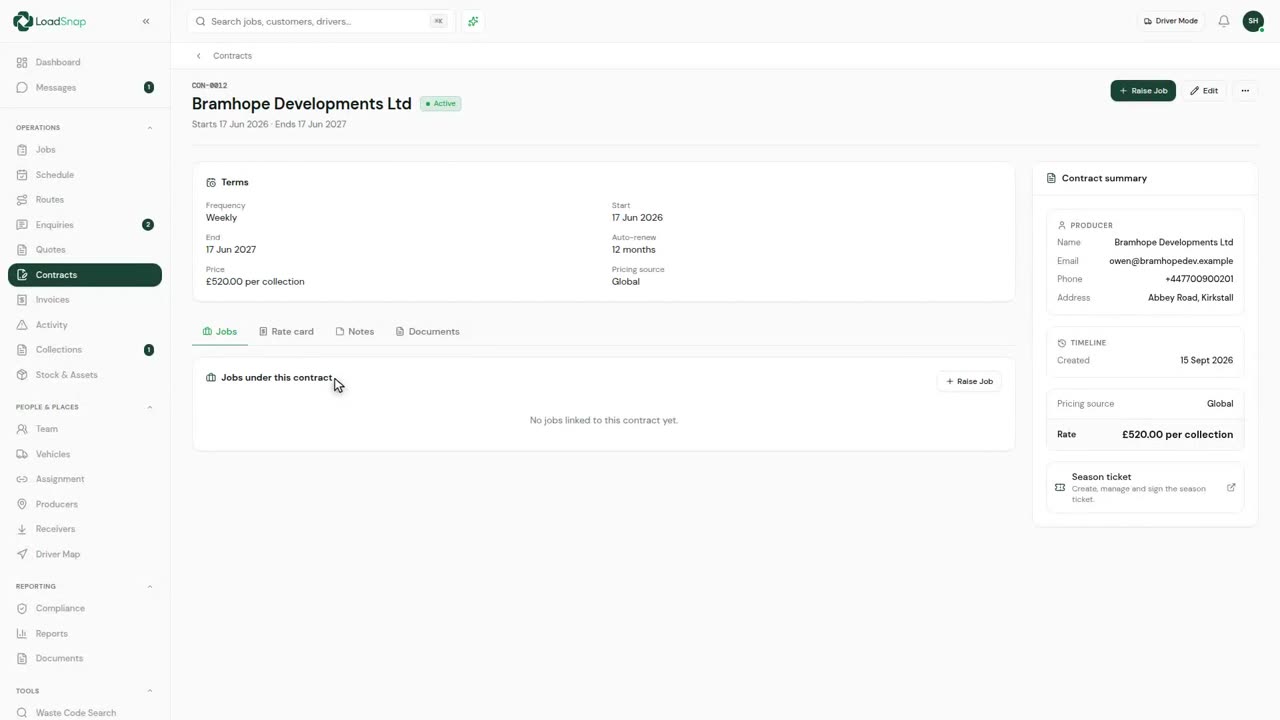
0:11Contracts and recurring work
A contract is the standing agreement with one customer.
 0:15
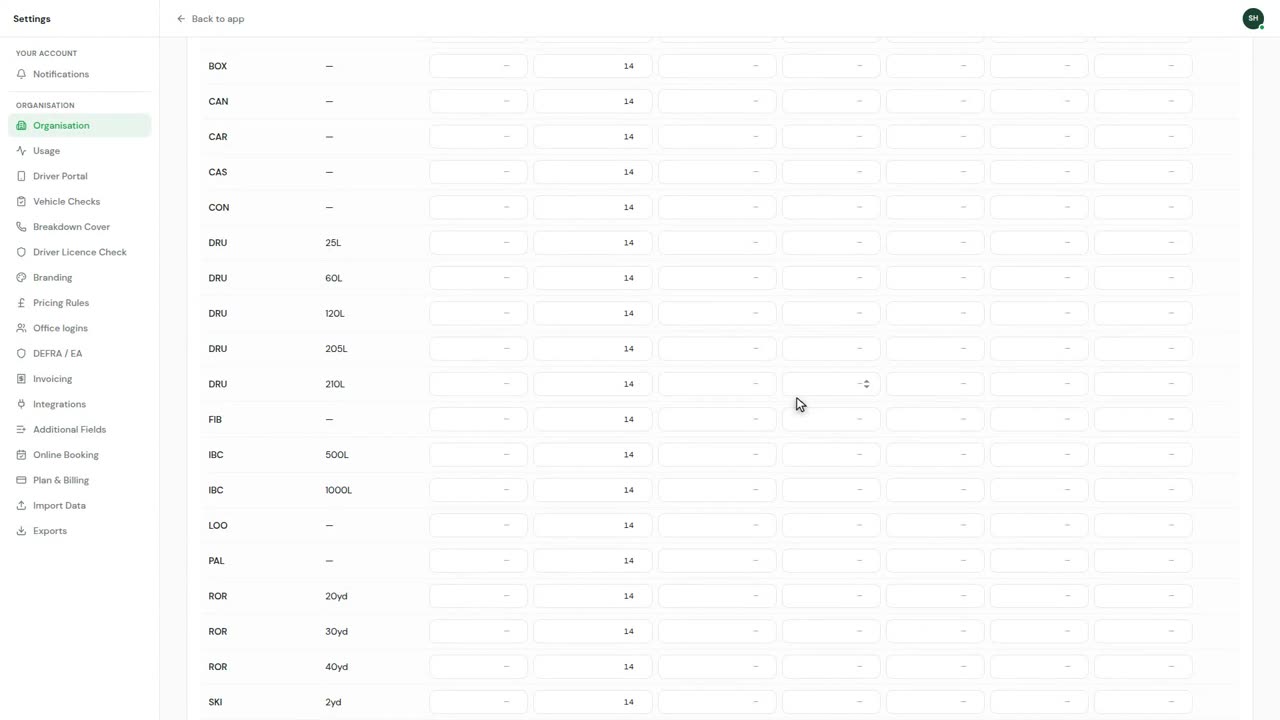
0:15Rate cards and surcharges
Rates are set here once, not on each job.
 0:16
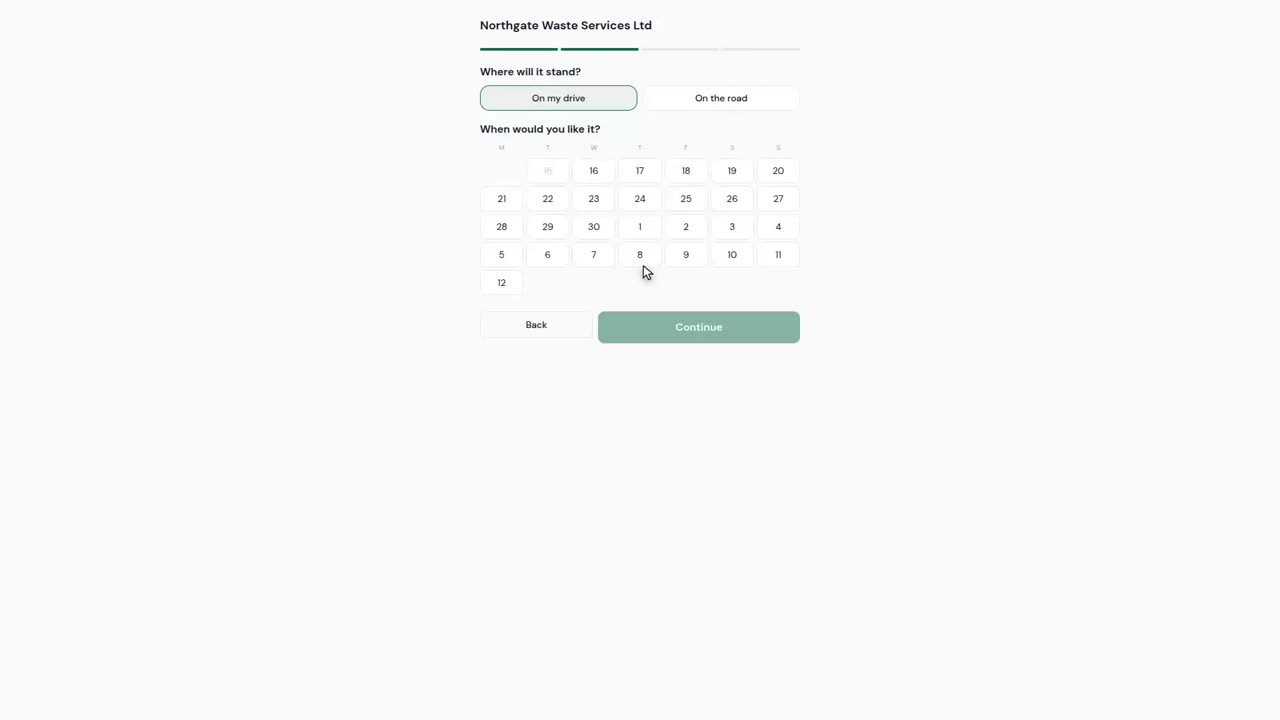
0:16Taking bookings online
Your own booking page, with your skips and your prices on it.
Jobs
 0:15
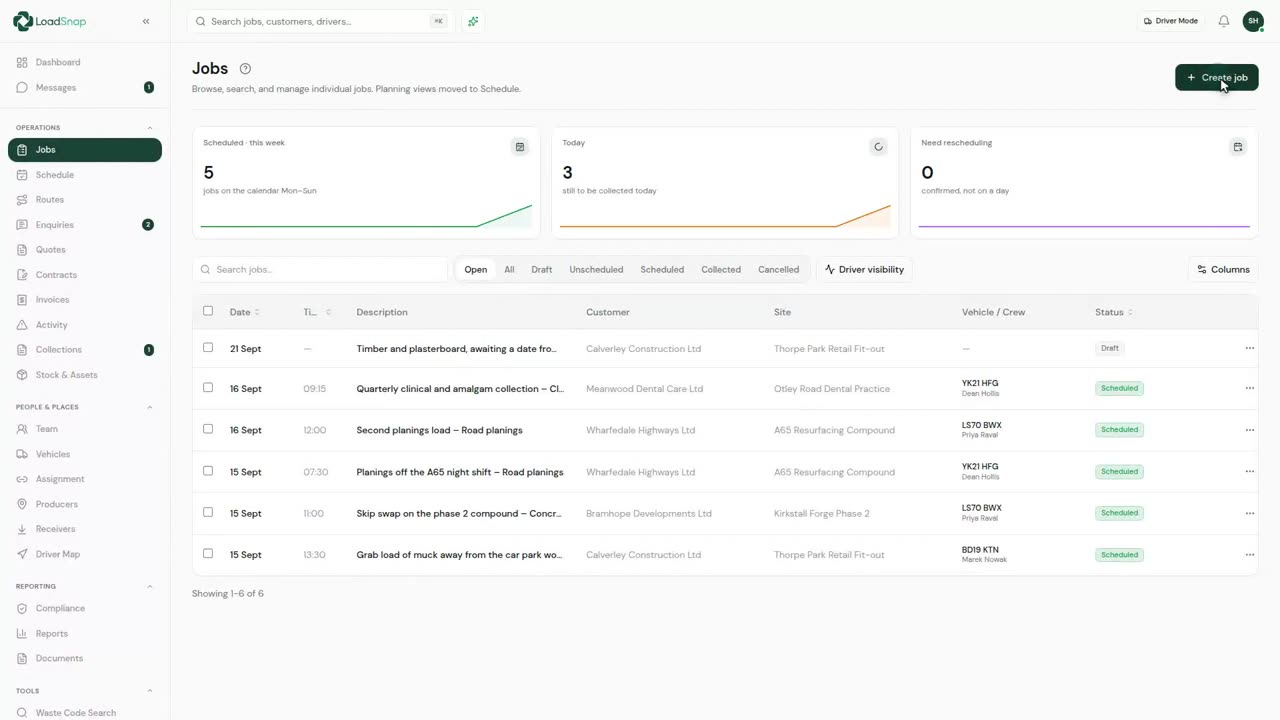
0:15Creating a job end to end
The jobs list: date, customer, site, vehicle and status.
 0:19
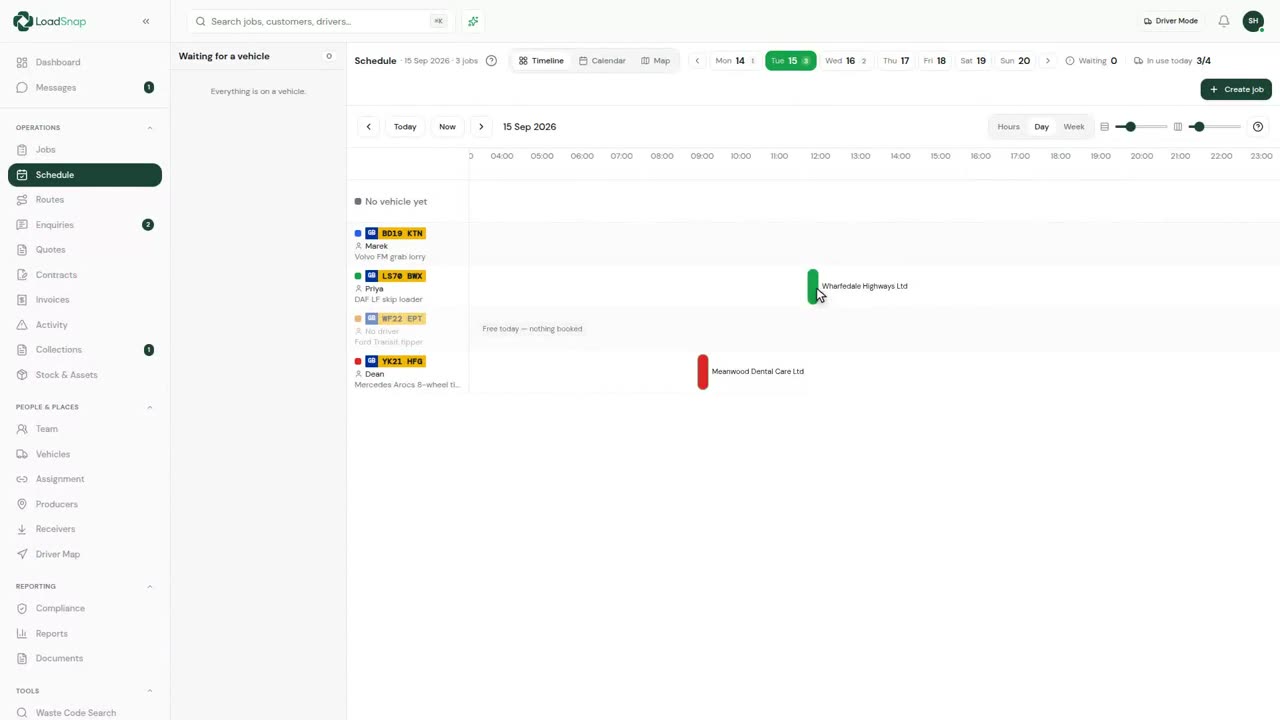
0:19Scheduling a job
The schedule runs one lane per vehicle, not per driver.
 0:11
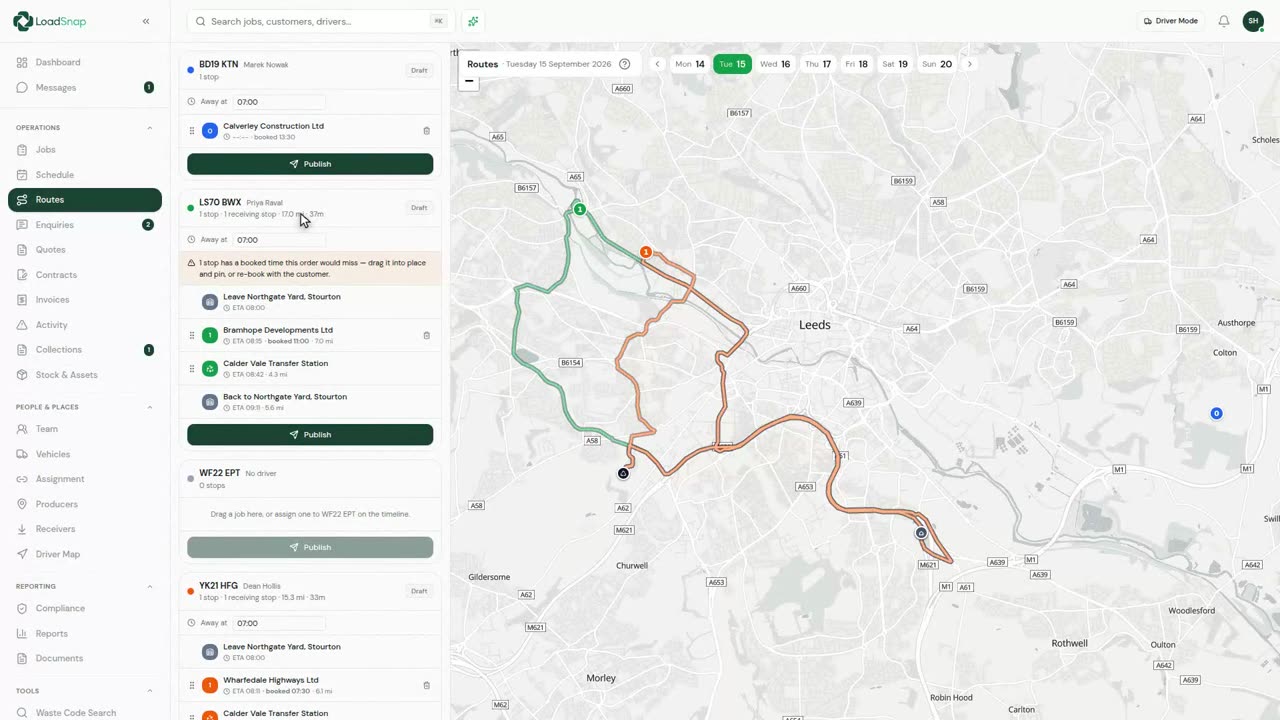
0:11Route planning and optimisation
Route planning orders the stops for one vehicle's day.
 0:10
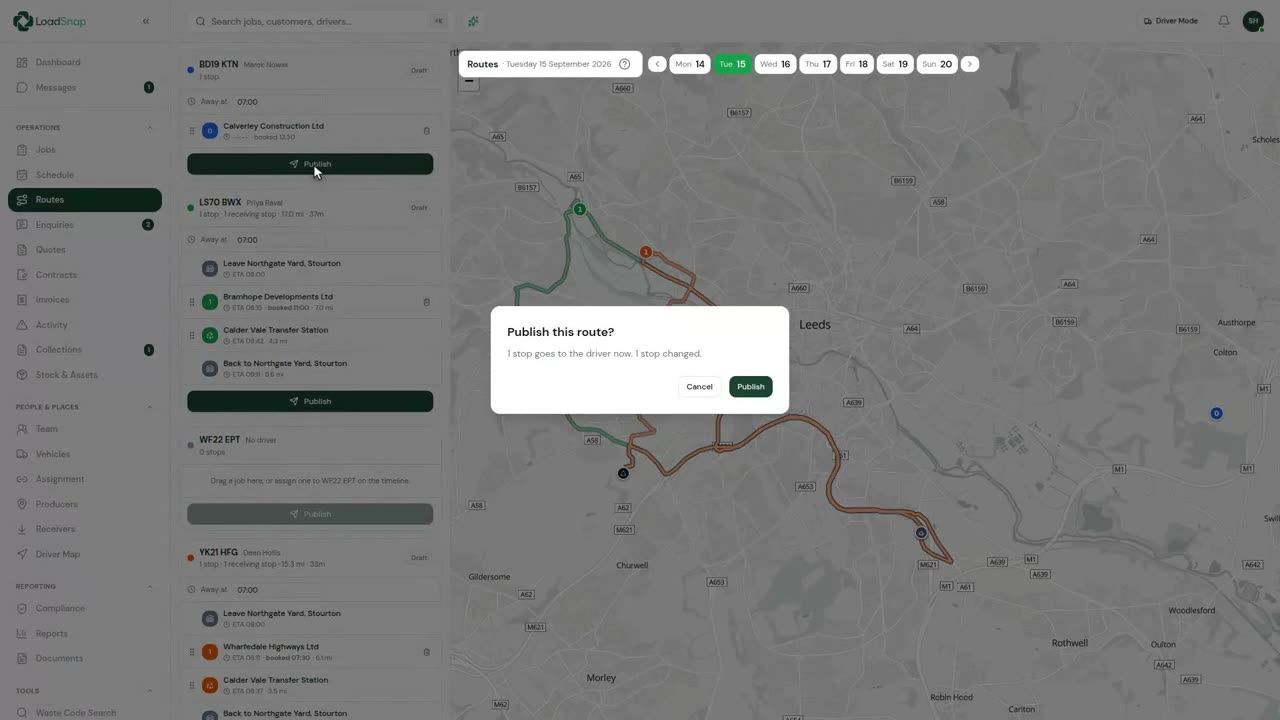
0:10Publishing the day to drivers
Nothing reaches a driver until the run is published.
 0:13
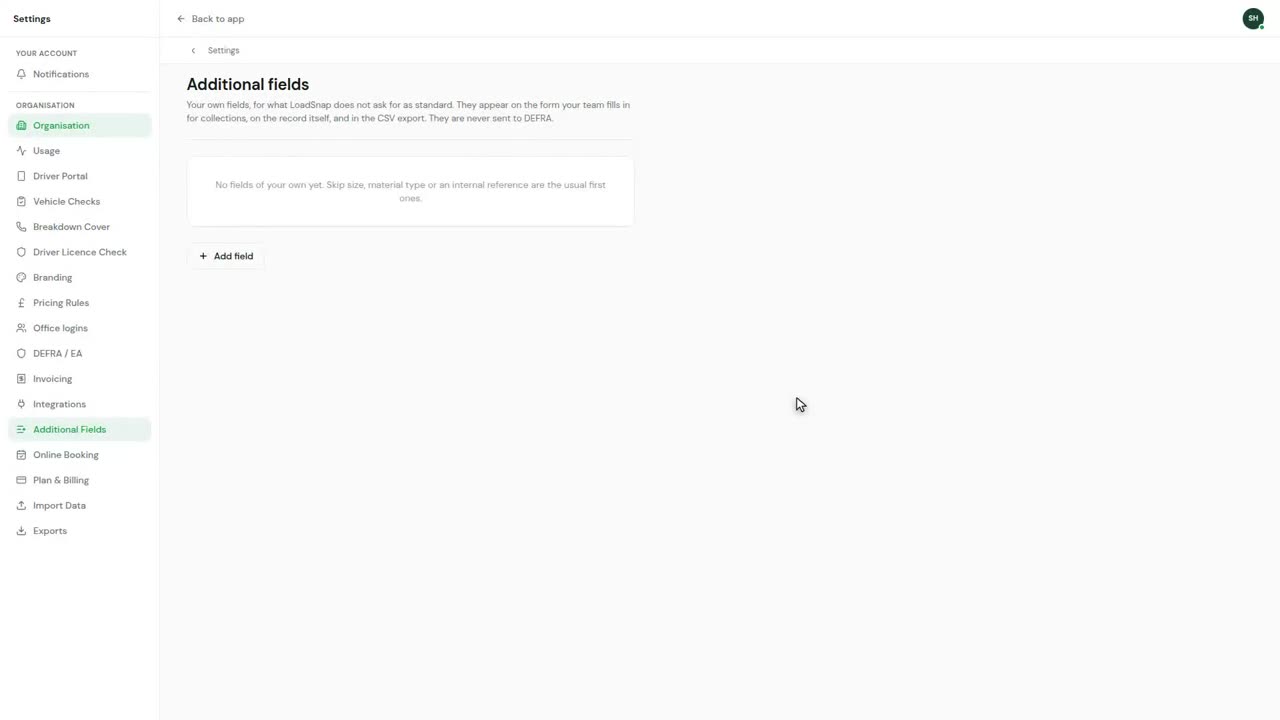
0:13Your own fields on the record
Additional fields add your own data to the review form.
 0:14
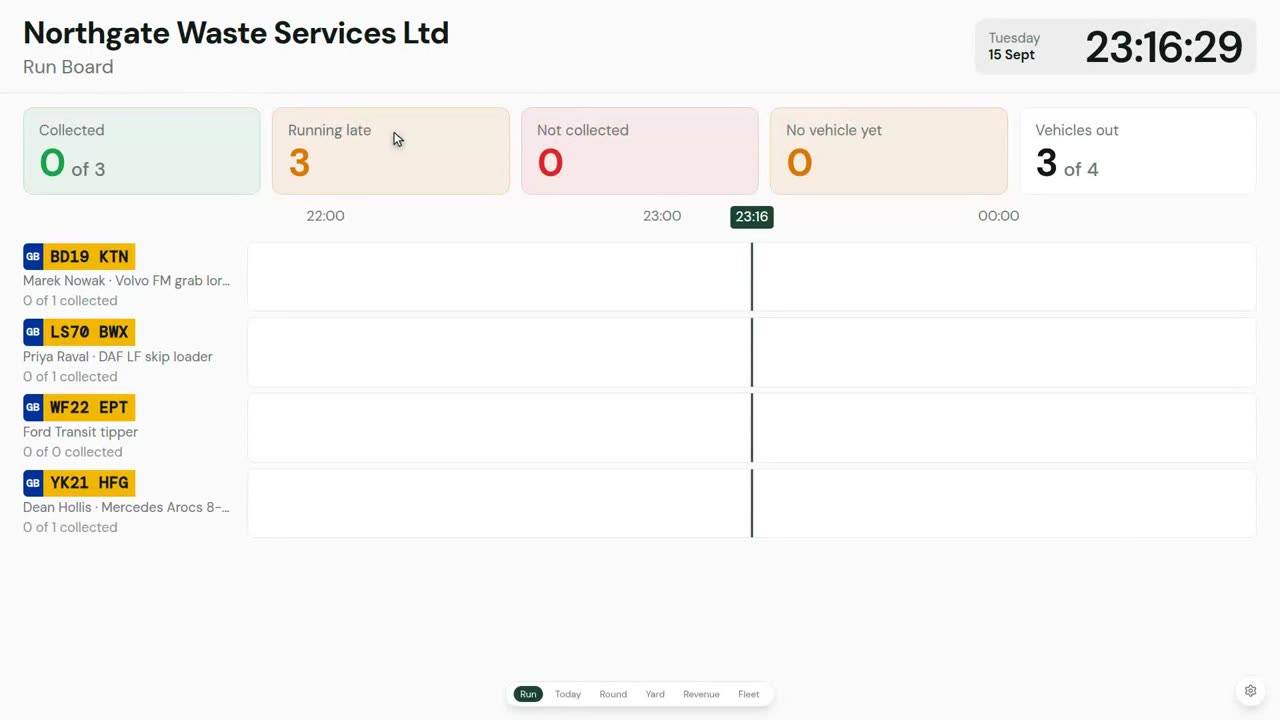
0:14The run board on the office wall
The day on a screen, for the wall of the transport office.
Drivers
 0:20
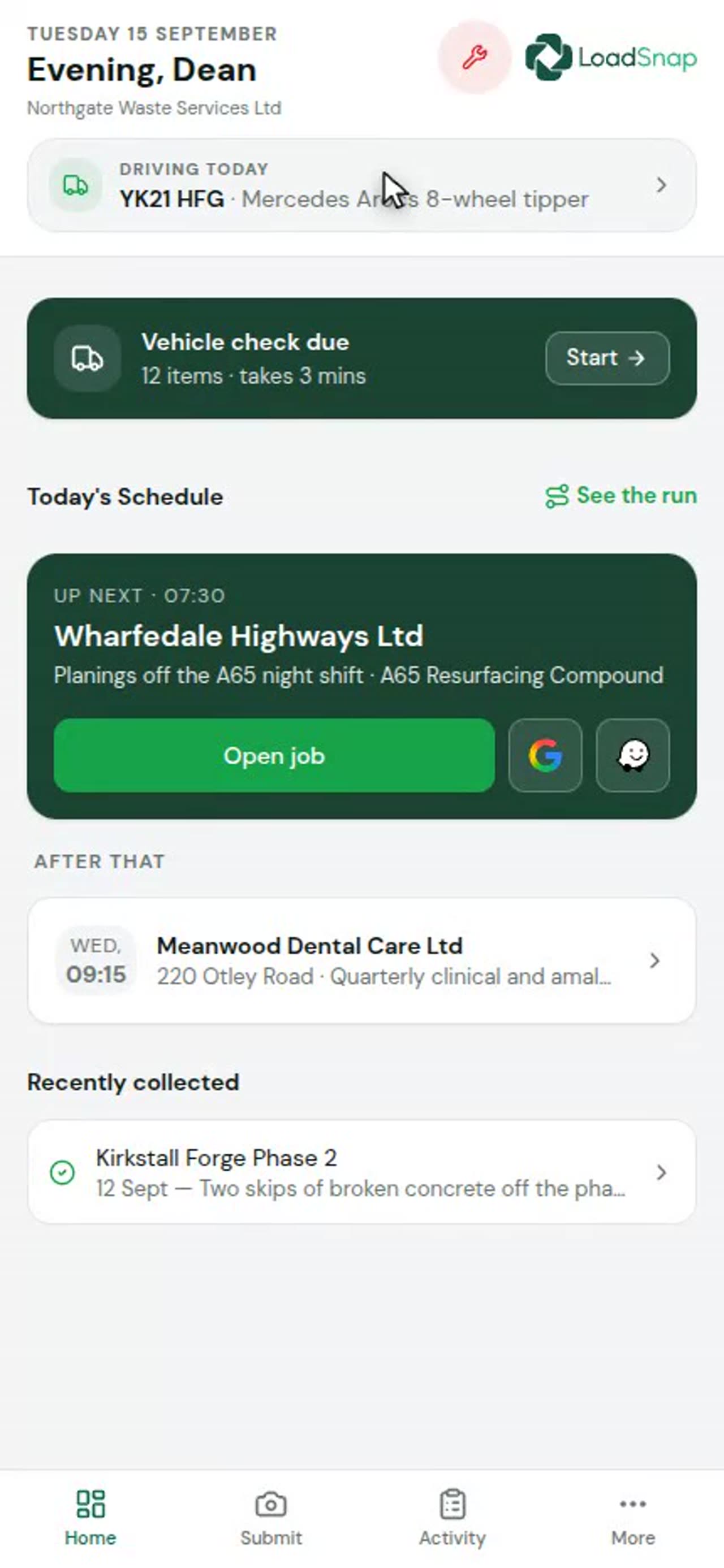
0:20The driver app
The driver app runs in a browser, with nothing to install.
 0:14
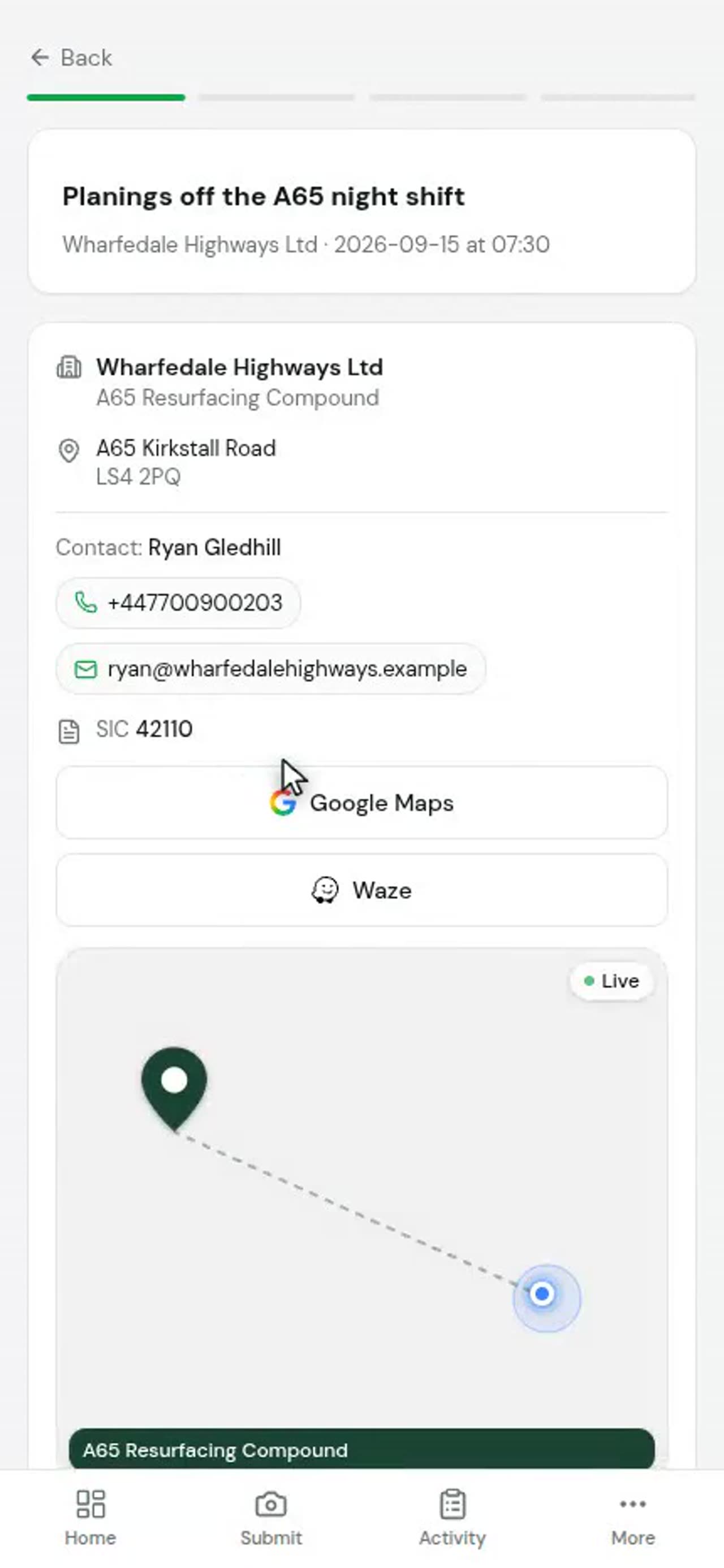
0:14A driver's day
The next job sits at the top.
 0:19
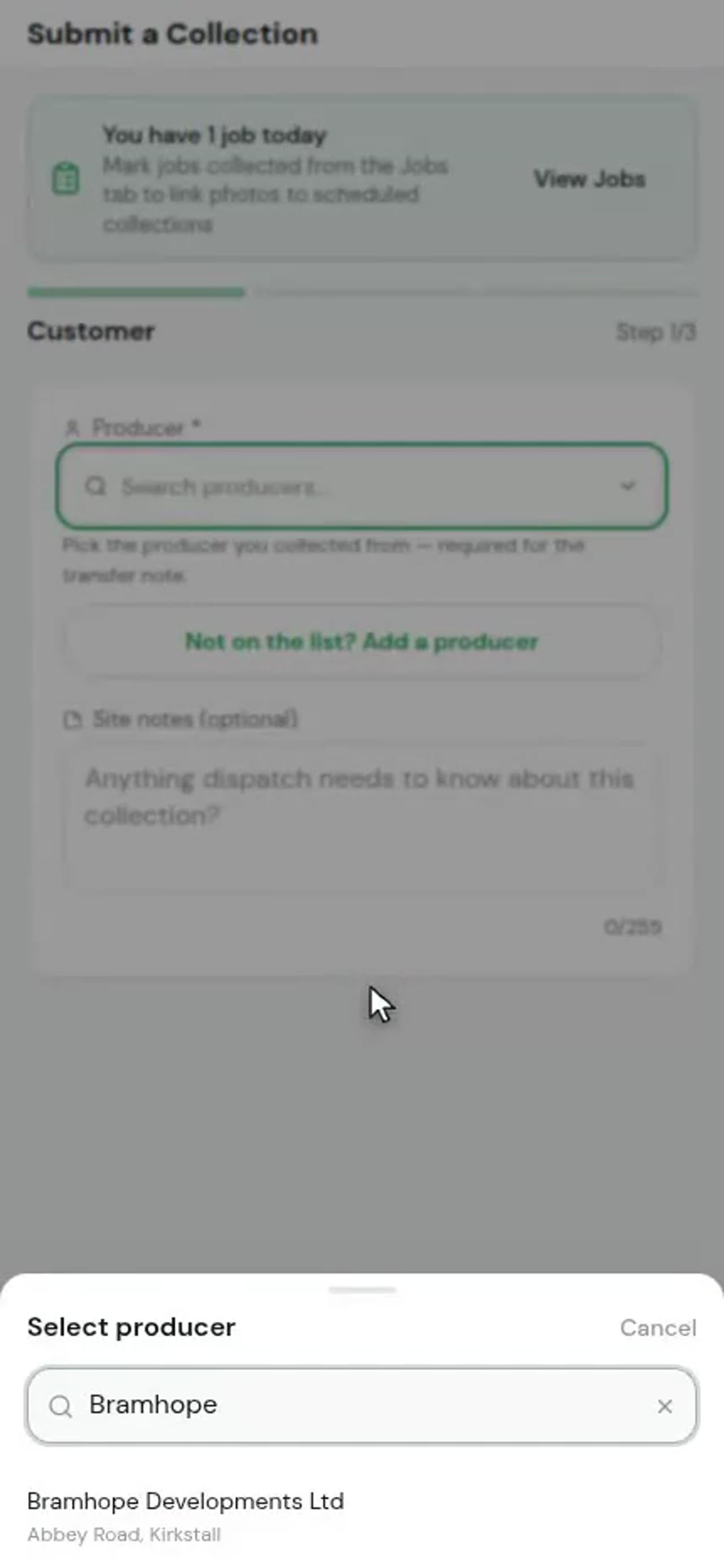
0:19Submitting an ad-hoc collection
An ad-hoc collection is a load that was never on the schedule.
 0:10
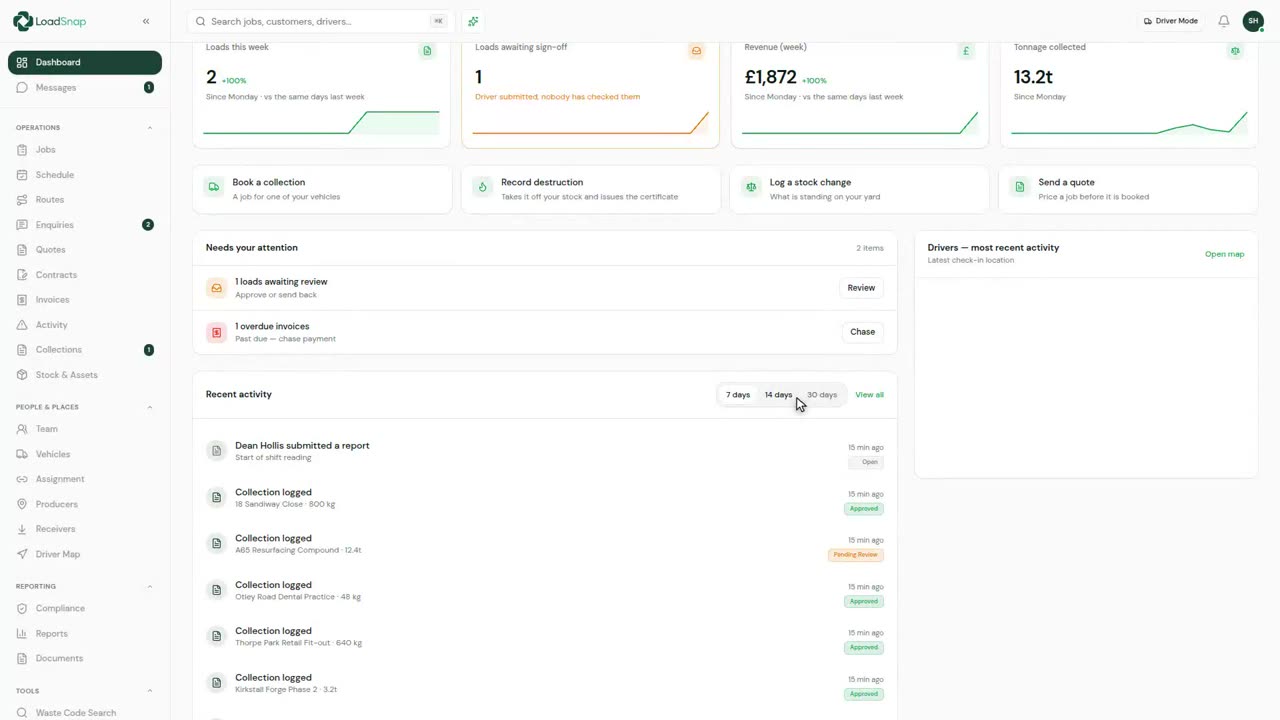
0:10AI waste classification
Nobody in a cab carries EWC codes in their head.
 0:12
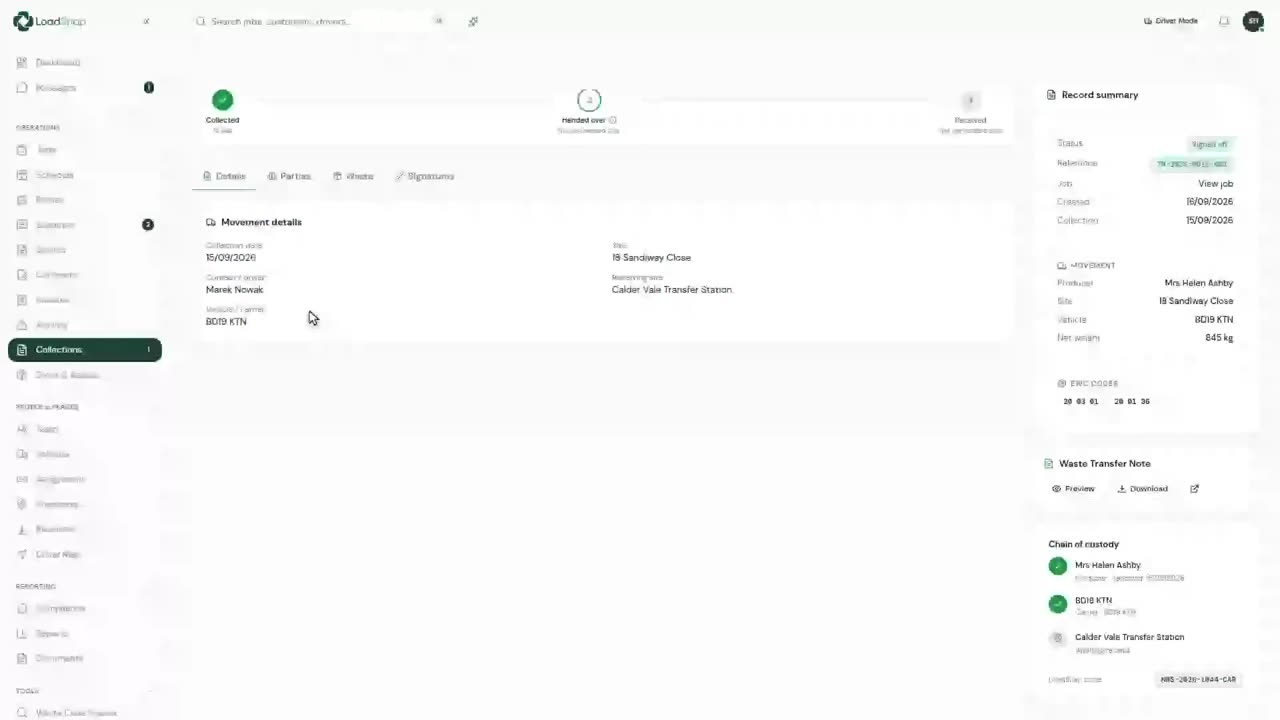
0:12Signatures and location on the record
A transfer note has to be signed by both sides.
 0:12
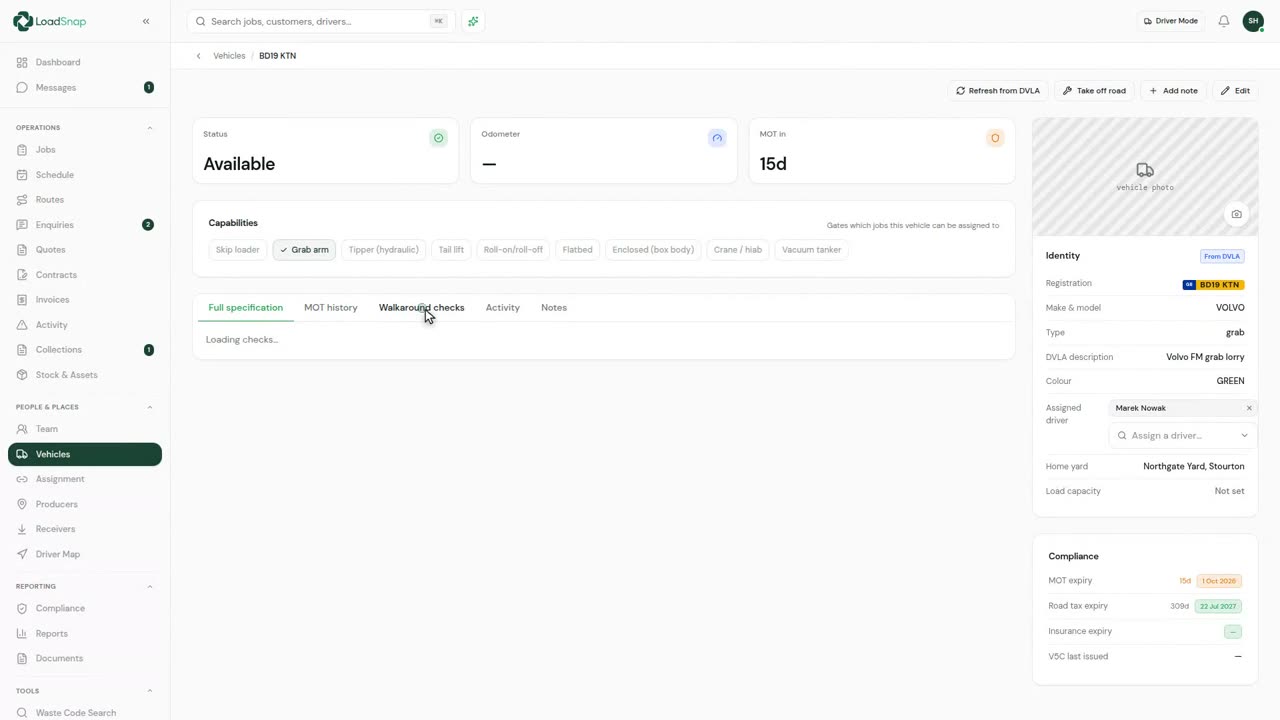
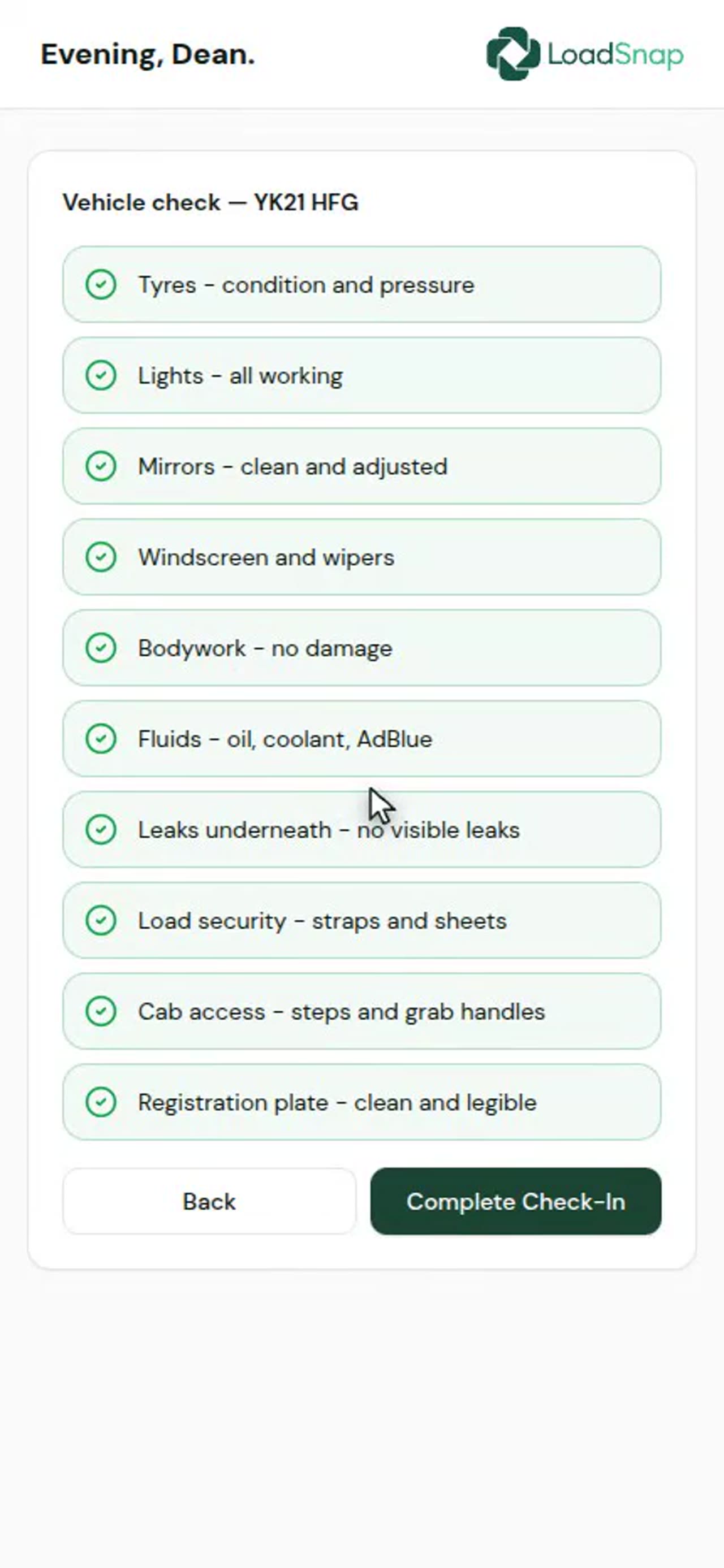
0:12Vehicle safety checks
Every vehicle with its MOT, tax and last walk-round check.
 0:13
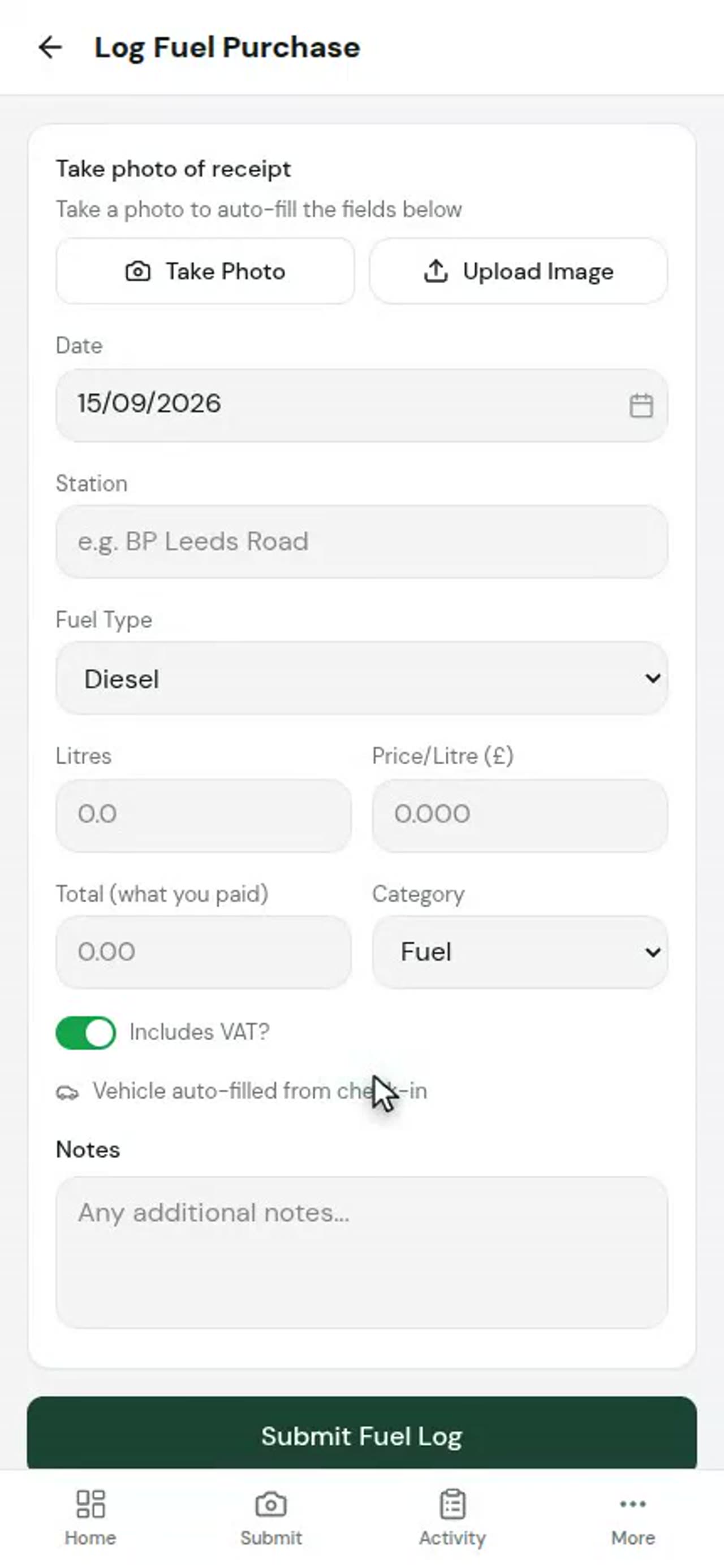
0:13Fuel and expenses from the cab
Fuel and expenses are entered in the cab, from the More menu.
 0:17
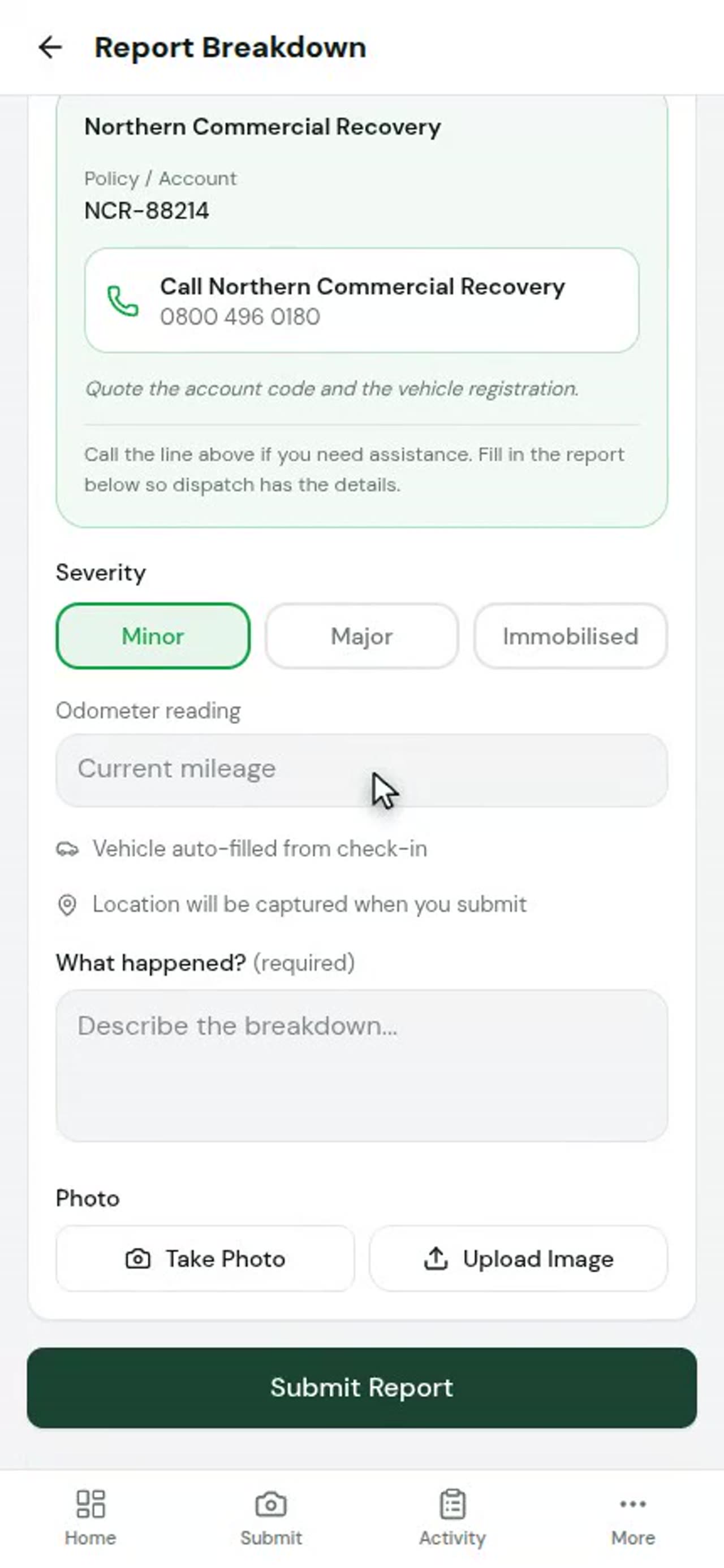
0:17Breakdowns, accidents and odometer
Breakdown, accident and odometer are separate buttons, each recording against the vehicle the driver is on.
 0:13
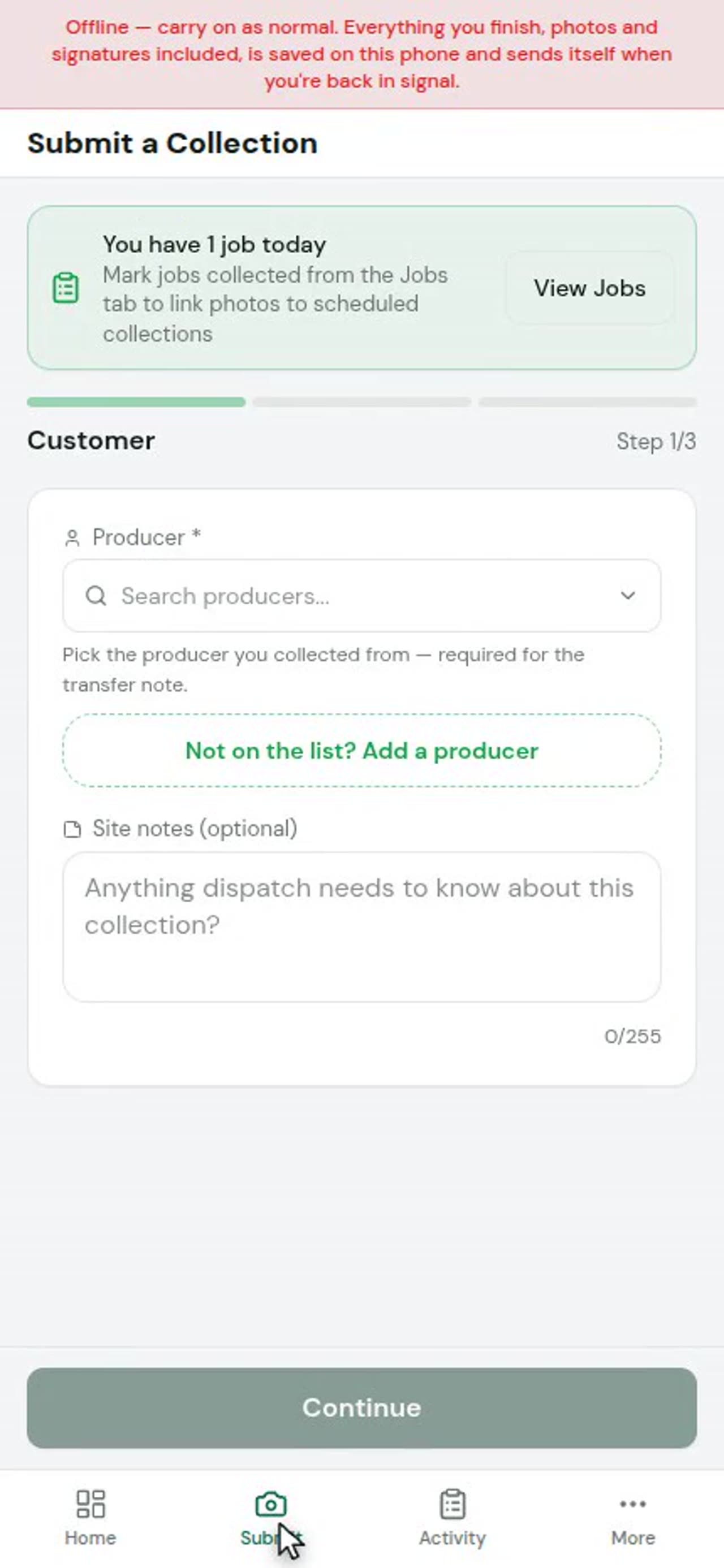
0:13Working with no signal
Sites lose signal, so an ad-hoc collection can be filled in with none.
 0:18
0:18Checking in from a link
A link a driver opens on their own phone. No app to install.
Receiving
 0:10
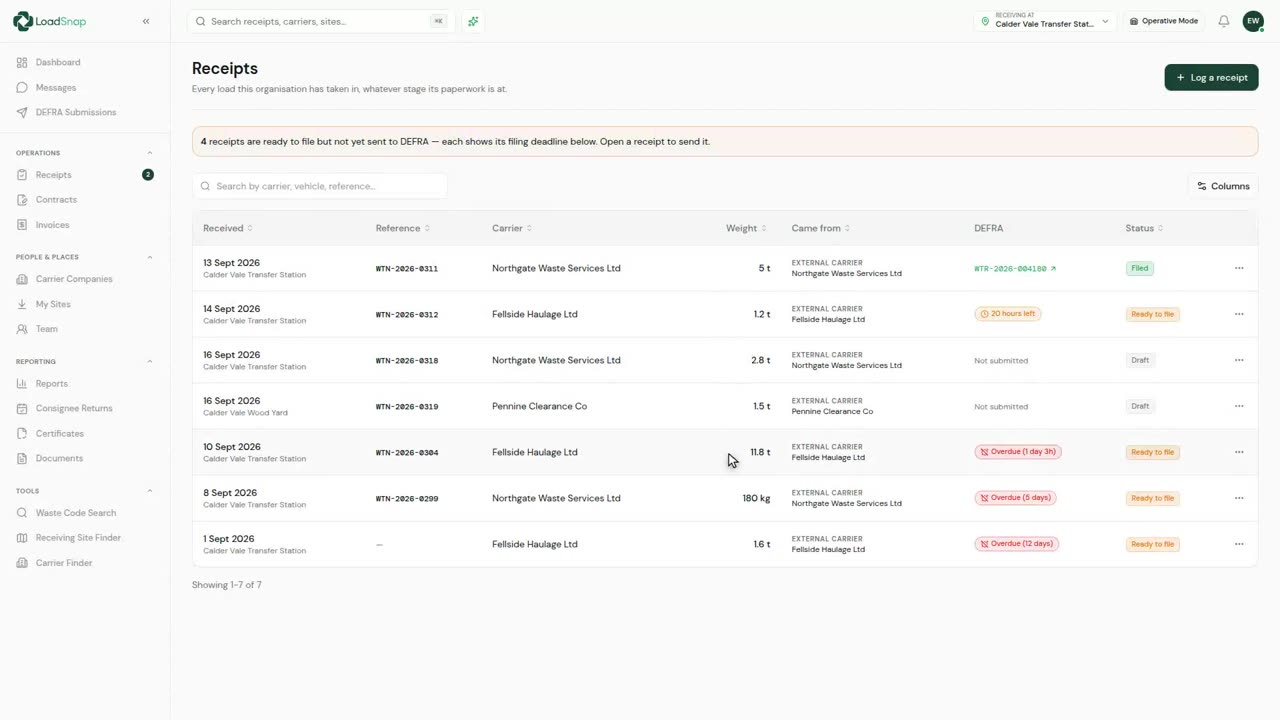
0:10Receiving a load at your site
Receipts are loads taken in at your own site.
 0:21
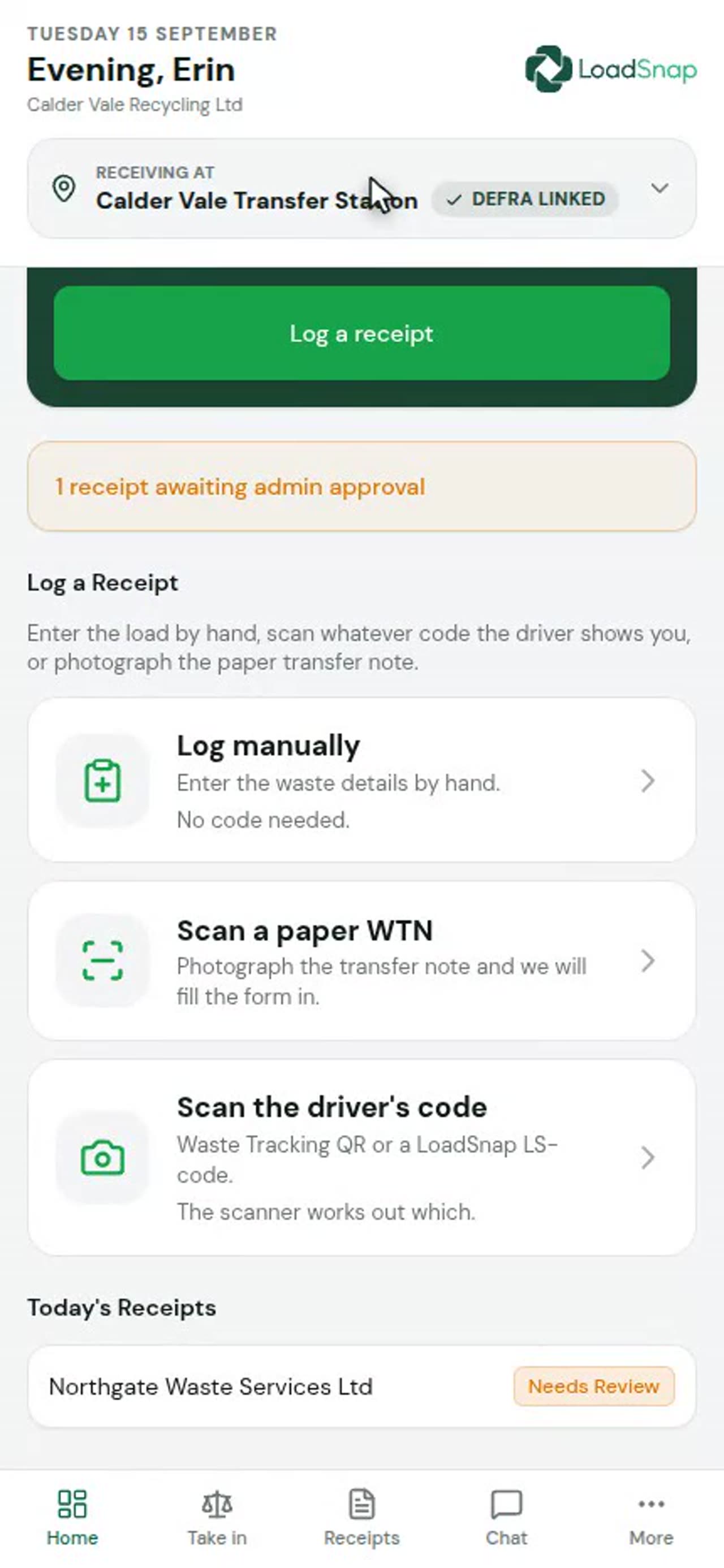
0:21The operative terminal at the gate
The gate terminal is the screen at the weighbridge.
 0:09
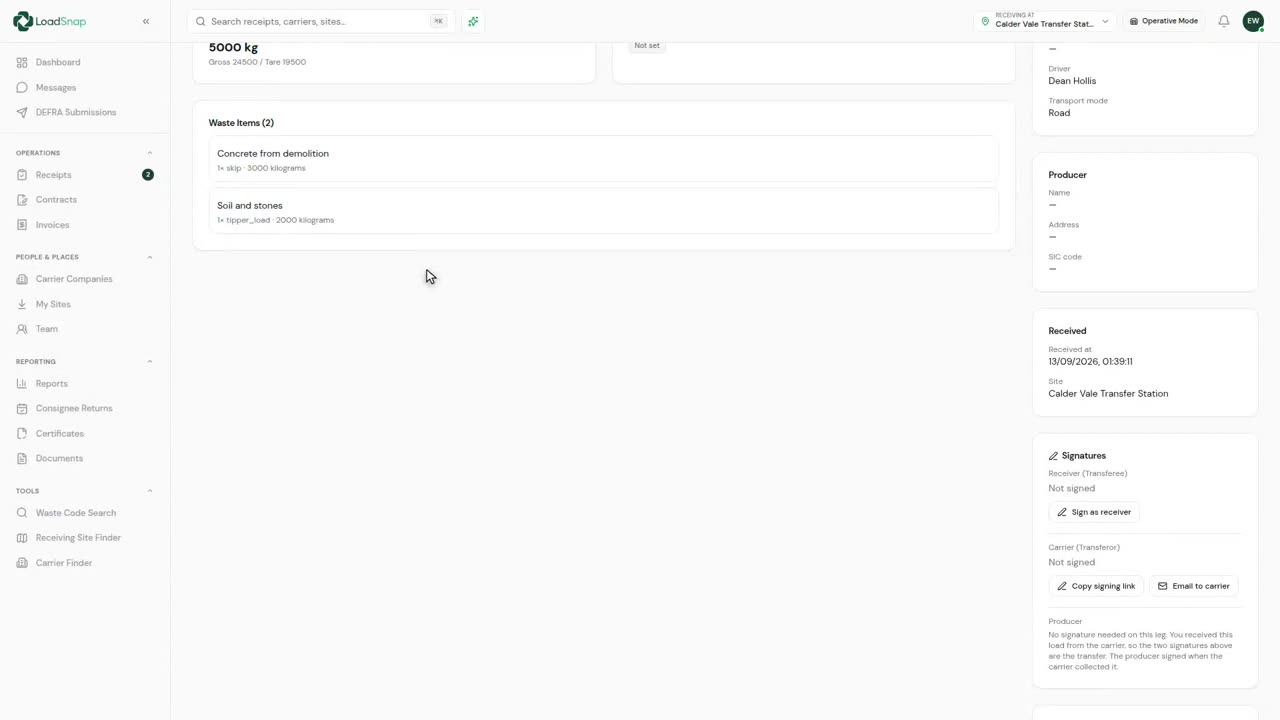
0:09Weighbridge capture
A driver's weight is an estimate.
 0:10
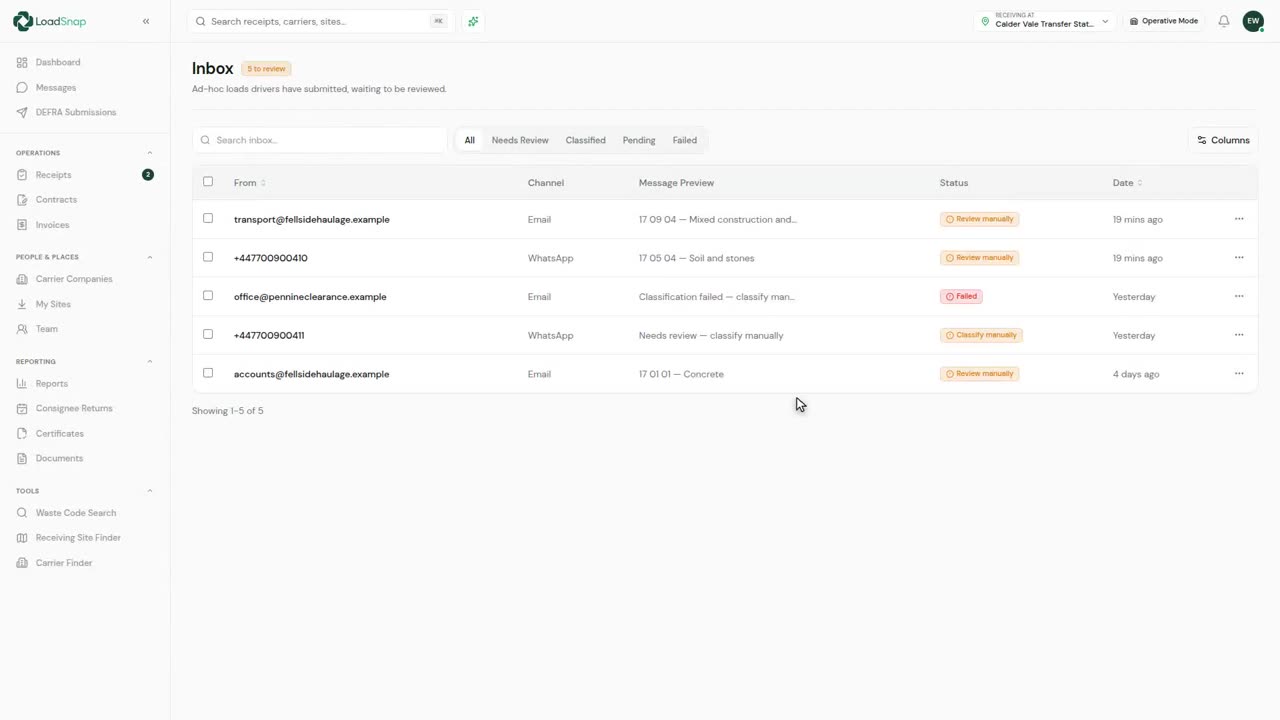
0:10Email and link submissions
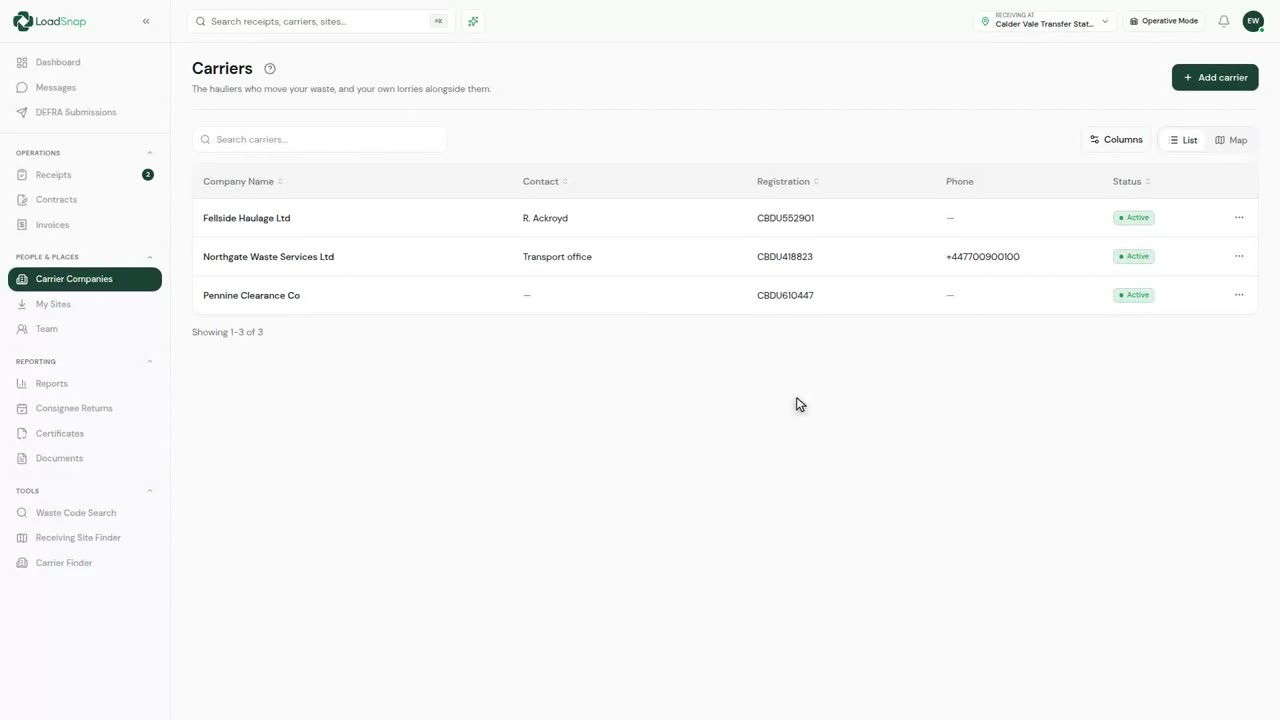
Not every carrier will use an app.
 0:11
0:11One filing per load
The same load is filed twice today.
Compliance
 0:11
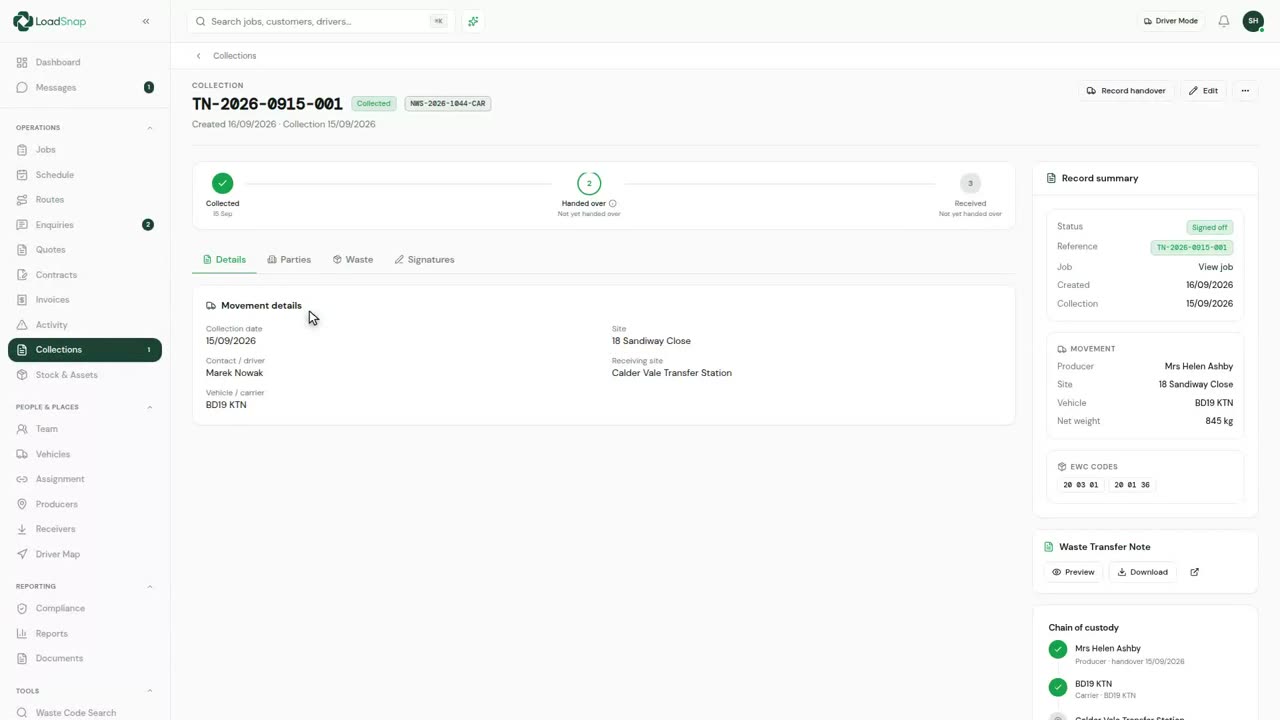
0:11Waste transfer notes
Records are the movements themselves.
 0:13
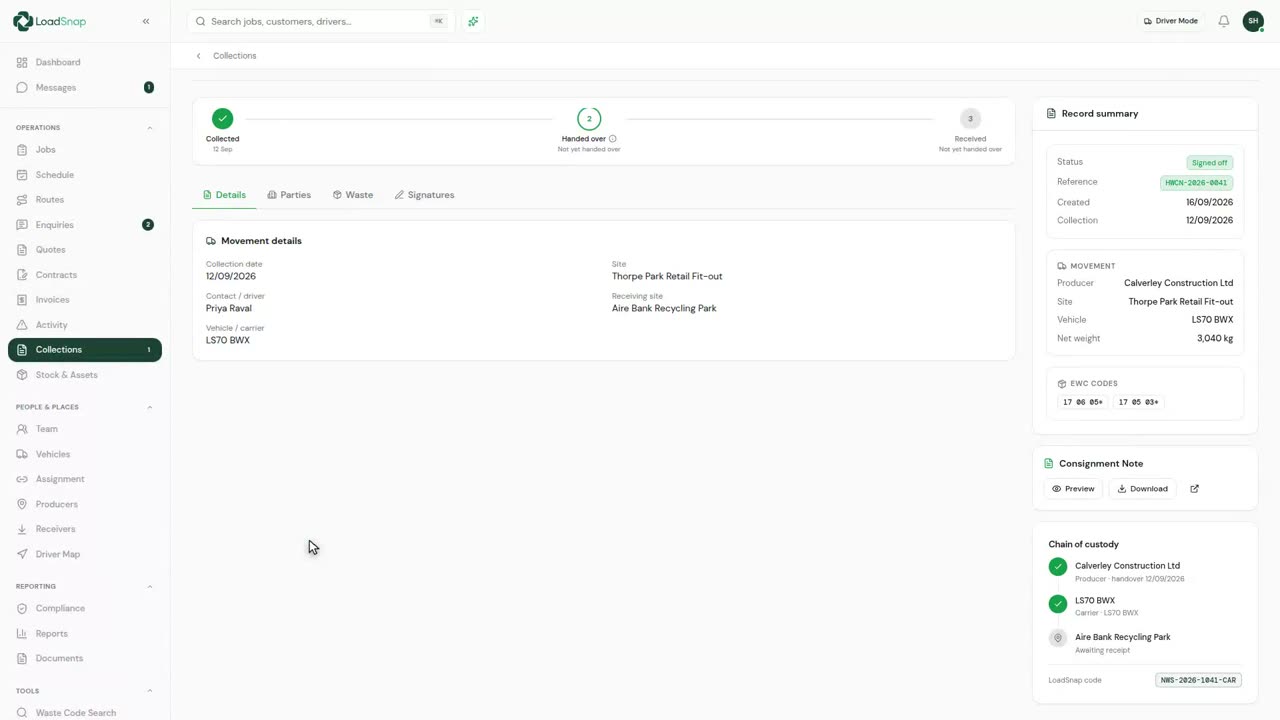
0:13Hazardous consignment notes
Hazardous waste travels under a consignment note, not a transfer note.
 0:16
0:16Season tickets
A season ticket covers repeated identical collections from one site.
 0:10
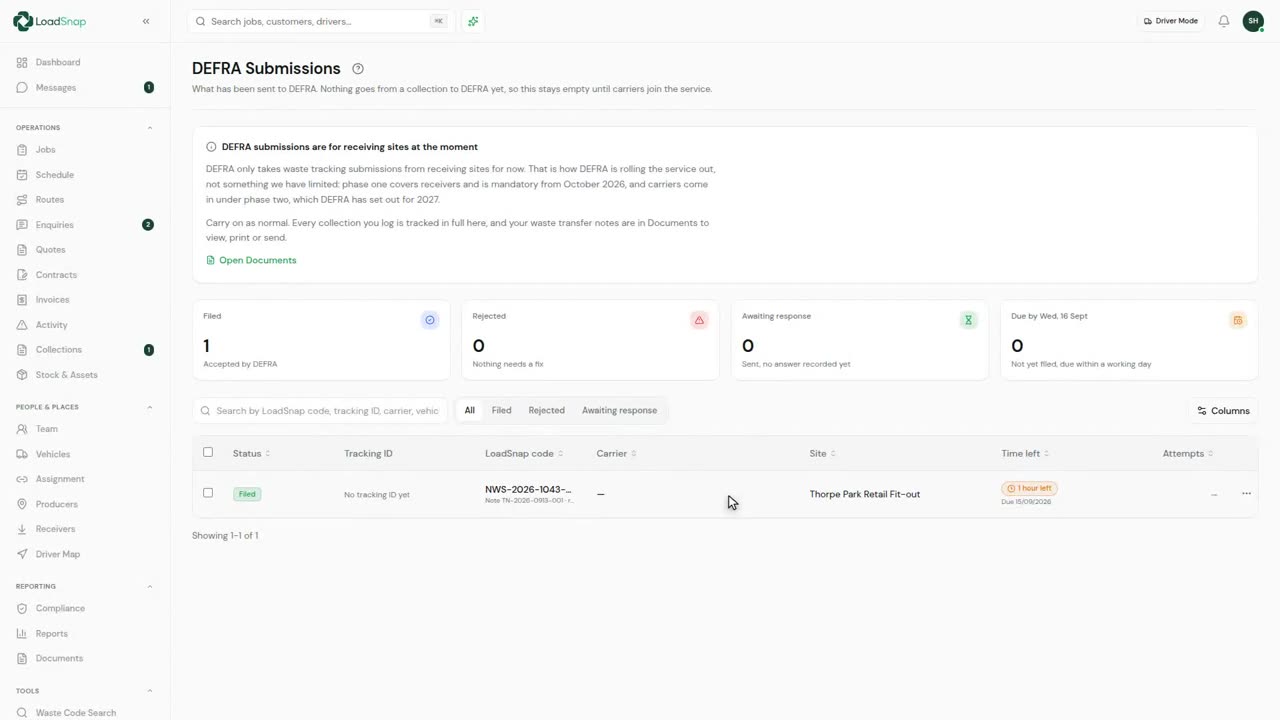
0:10DEFRA submissions
Every receipt filed with DEFRA, with its tracking ID.
 0:10
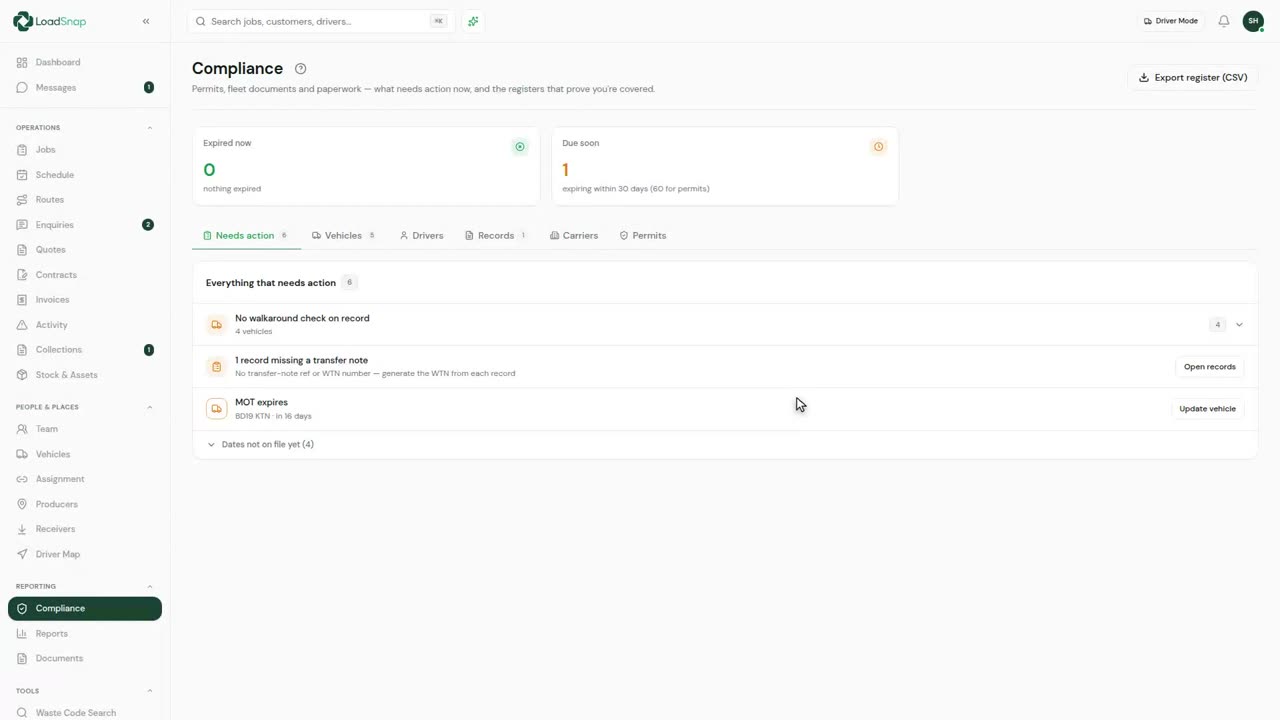
0:10The compliance dashboard
Compliance covers the fleet's documents and the drivers' licences.
 0:13
0:13Carrier and permit checks
Carriers are the firms that tip at your site.
 0:13
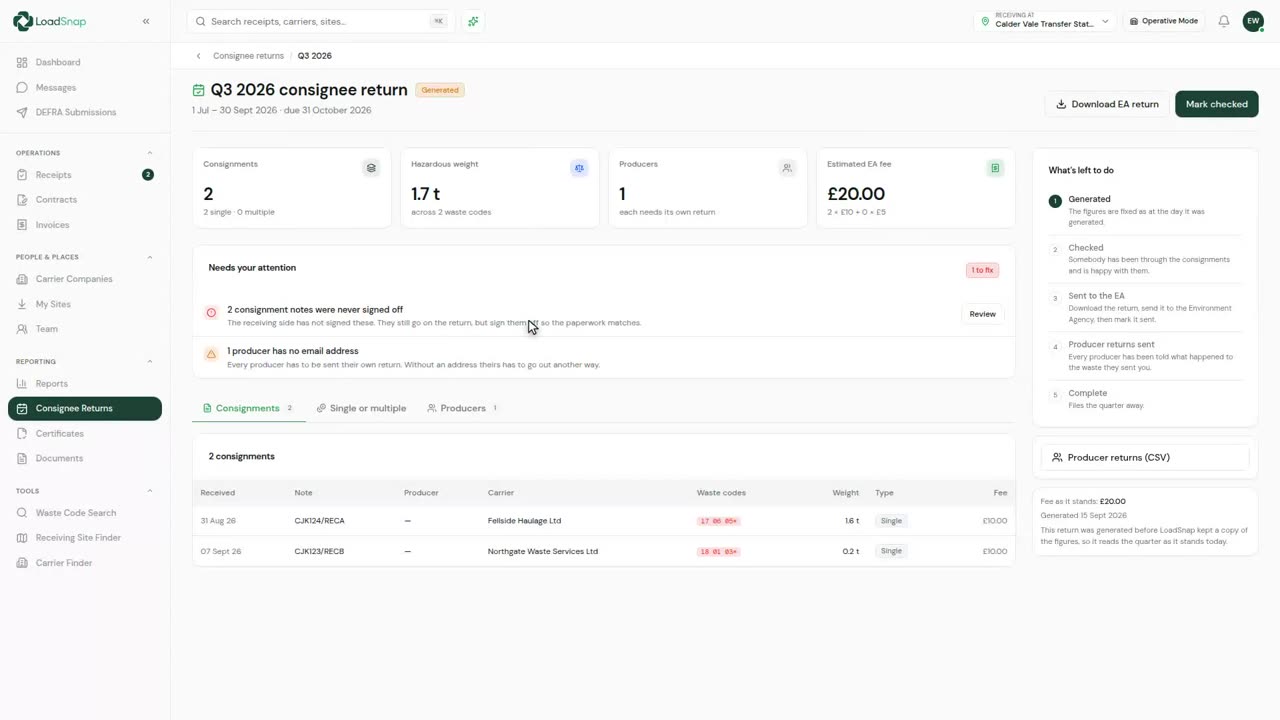
0:13Consignee returns
A permitted site owes quarterly returns.
 0:10
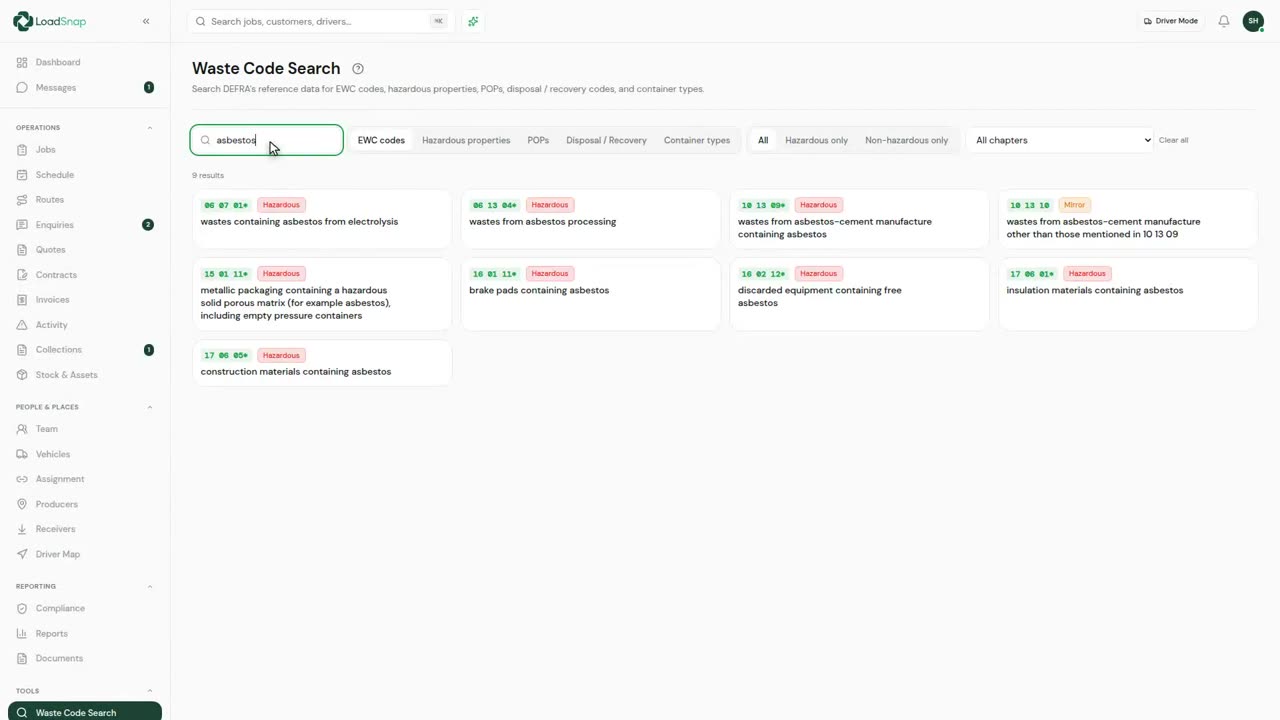
0:10Waste code search
The full European Waste Catalogue, searchable.
 0:18
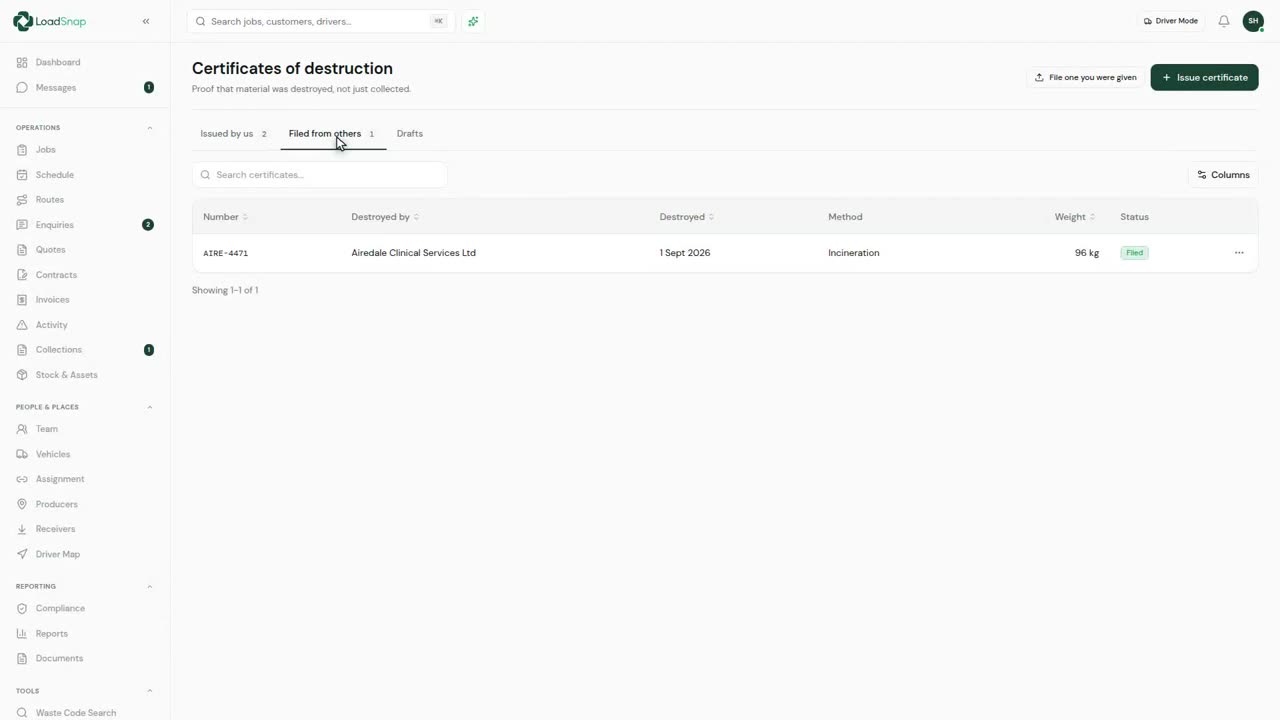
0:18Certificates of destruction
Proof that material was destroyed, not just collected.
 0:16
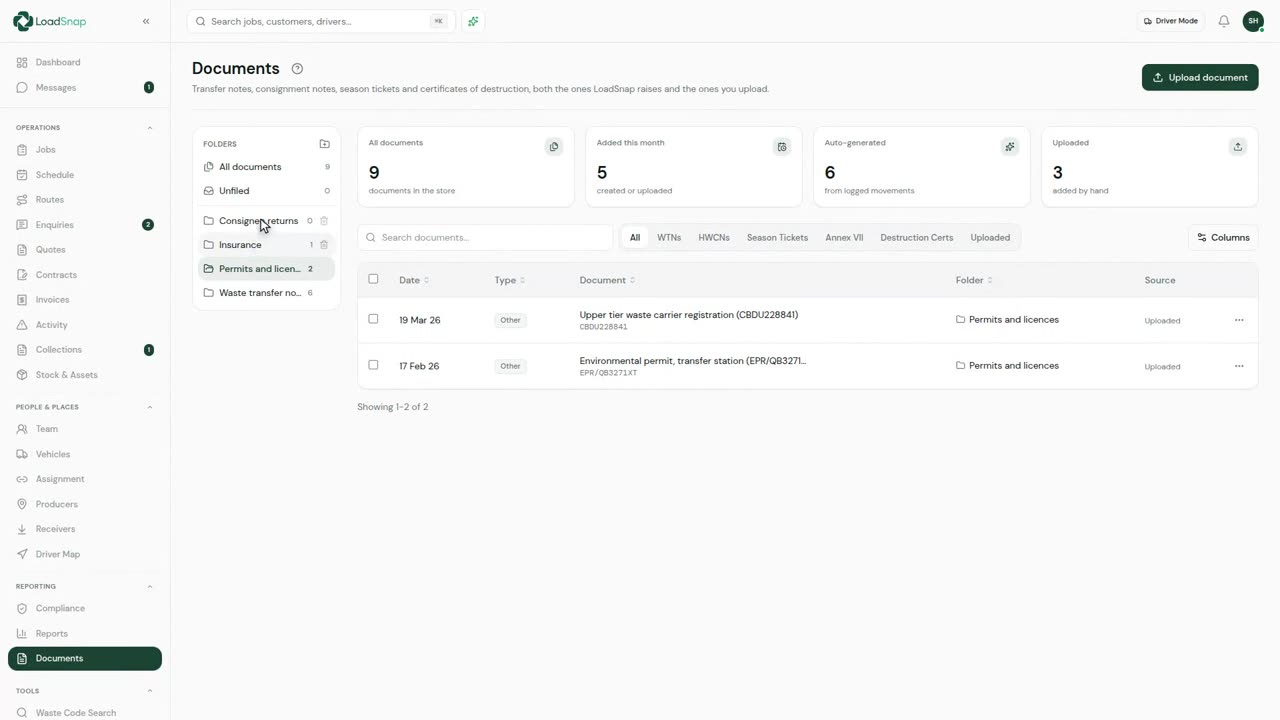
0:16The document archive
Every note files itself here as it is raised.
 0:10
0:10Paper in, digital out
Paper notes still arrive, and always will.
Fleet
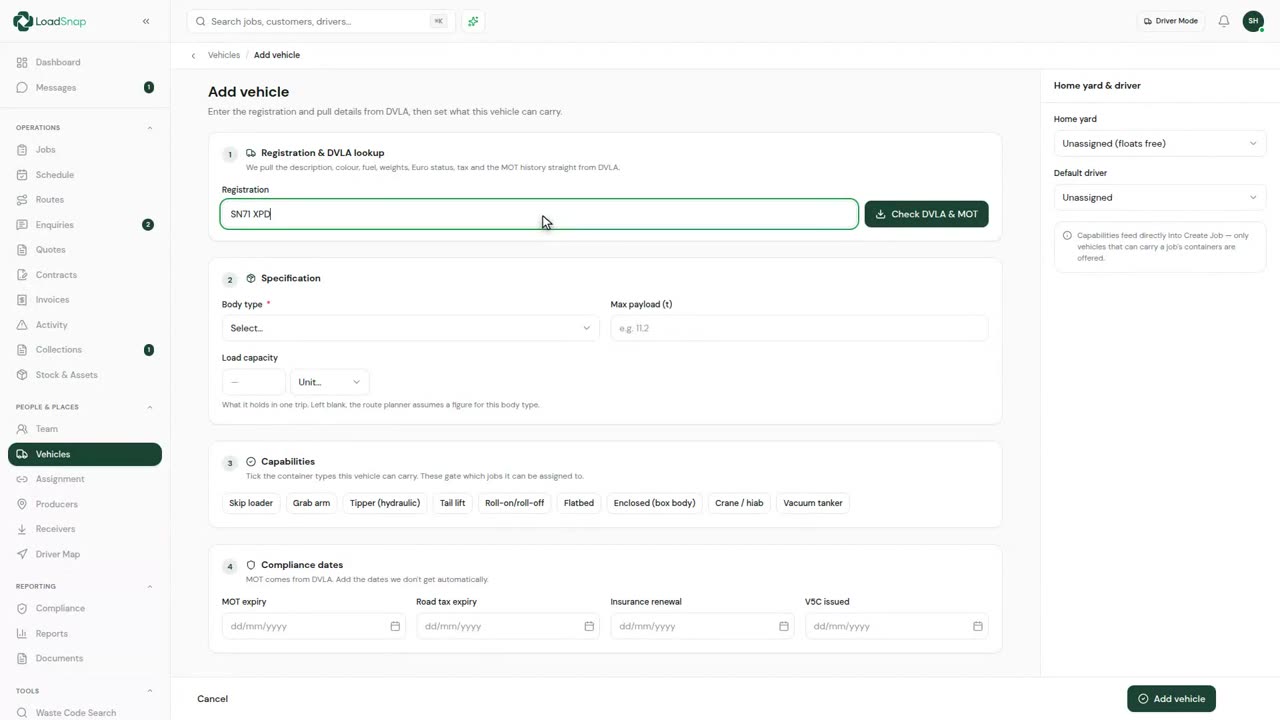 0:17
0:17Adding a vehicle
This is the fleet.
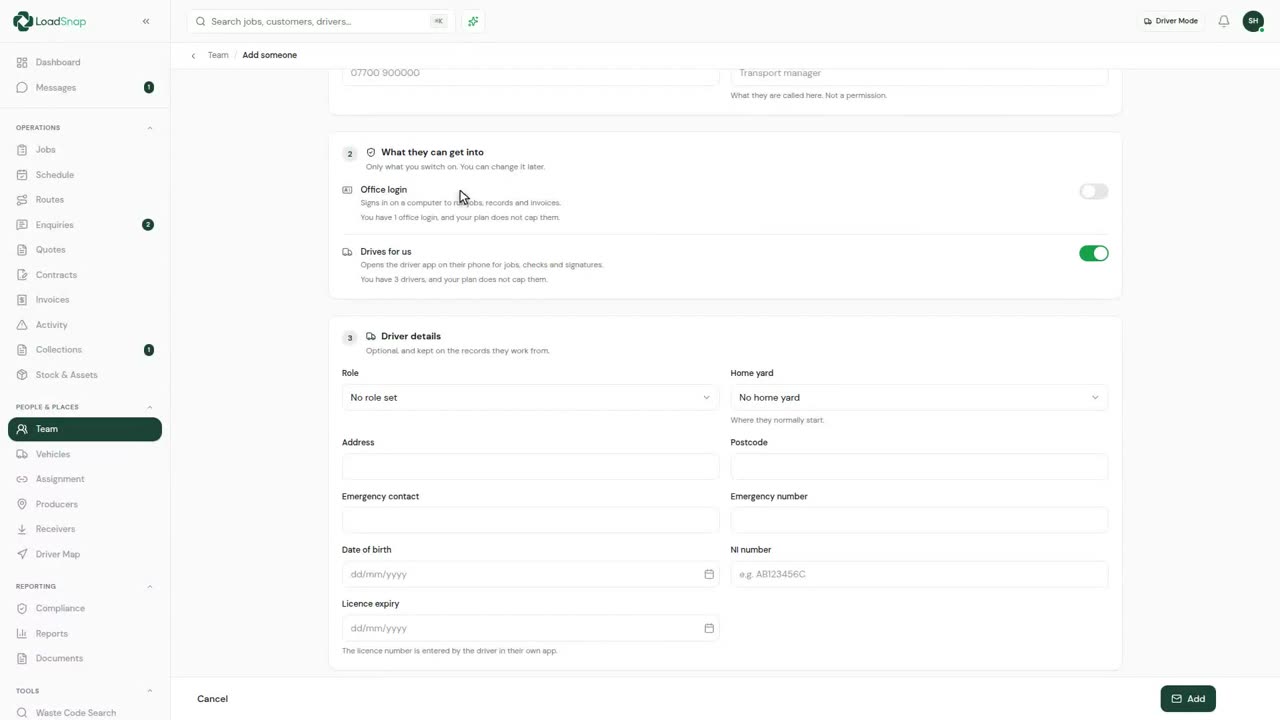 0:19
0:19Adding someone to the team
One form adds anybody who works for you.
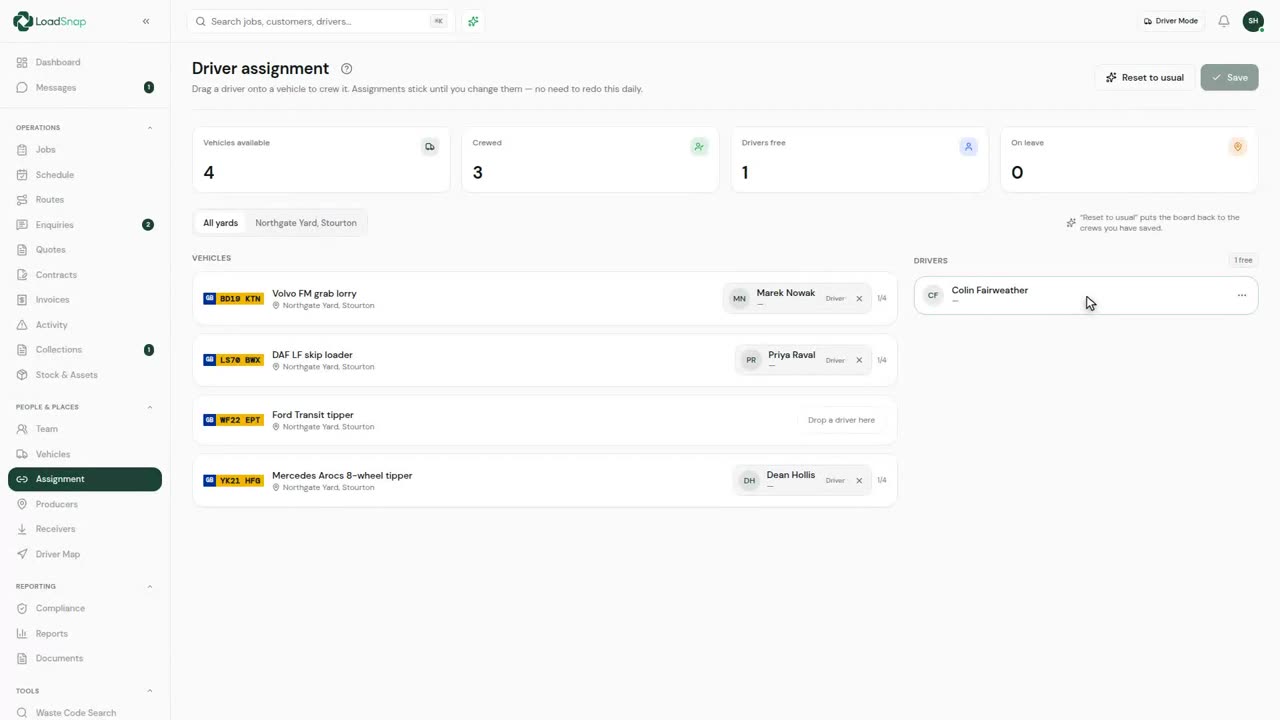 0:10
0:10Assigning drivers to vehicles
Vehicles down the left, drivers down the right.
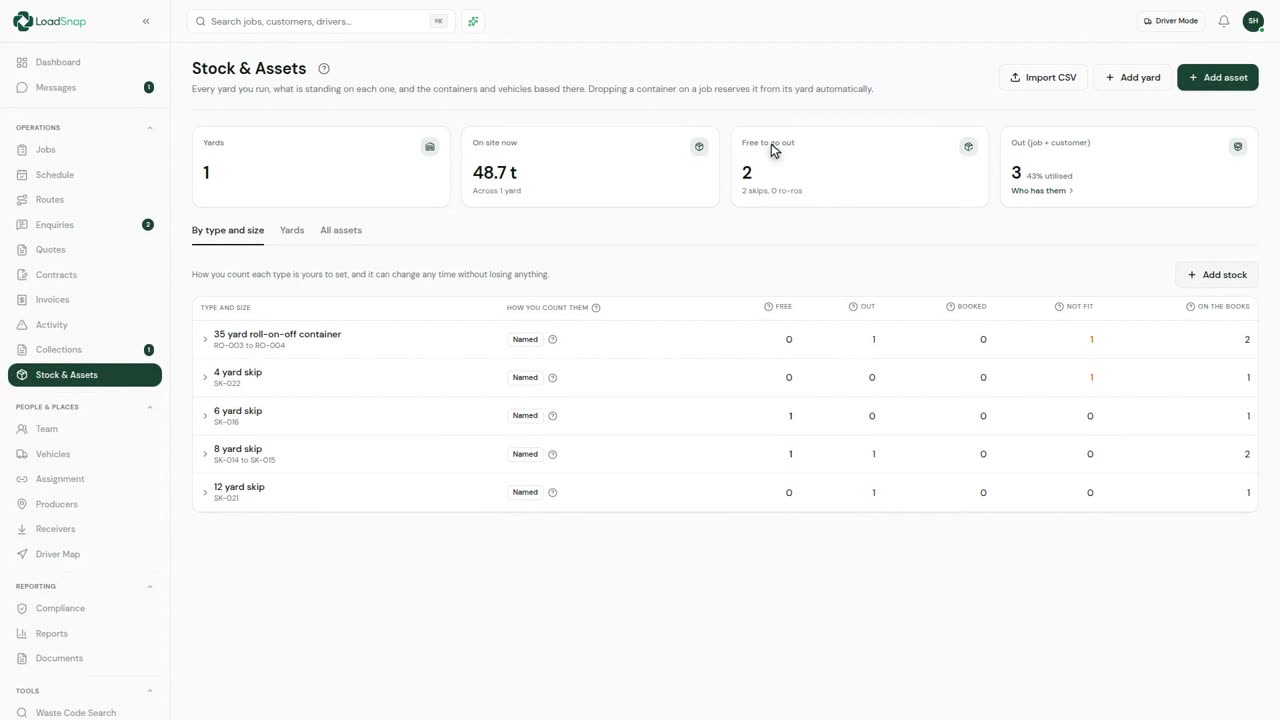 0:22
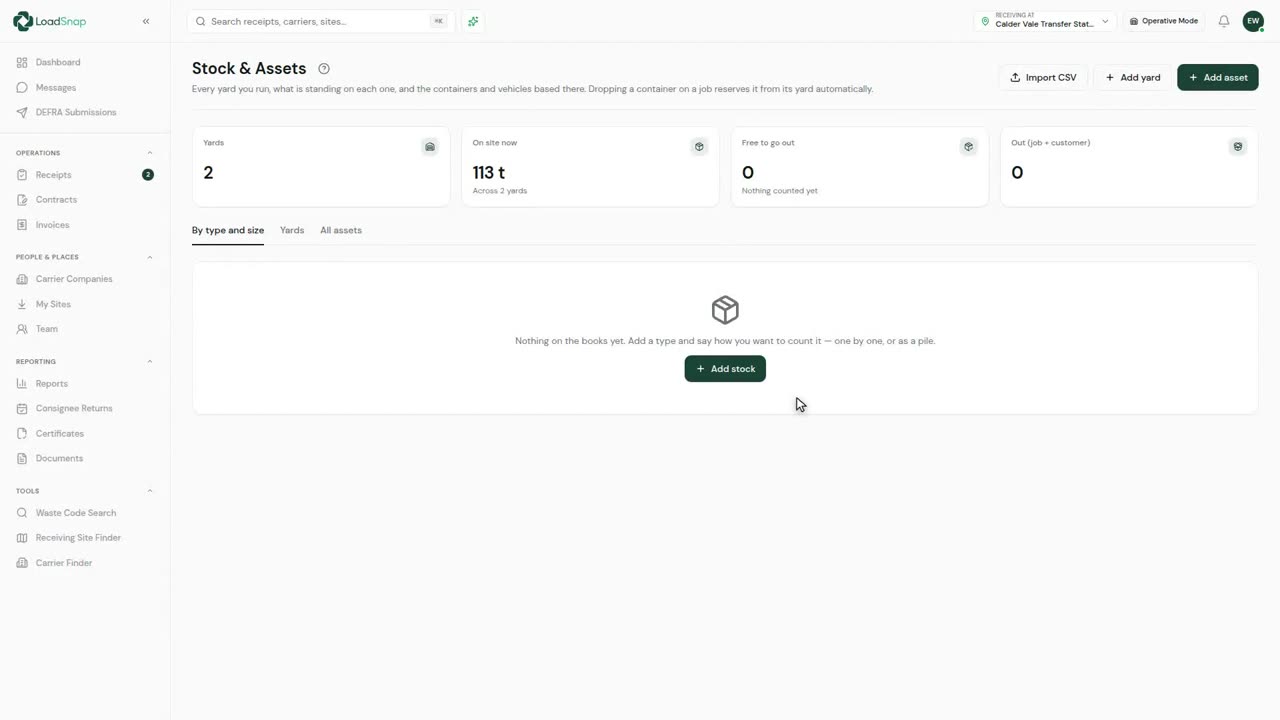
0:22Stock, yards and containers
Every yard you run, and what is standing on each one.
 0:16
0:16Permit headroom
A permit sets a limit, and exceeding it is serious.
 0:08
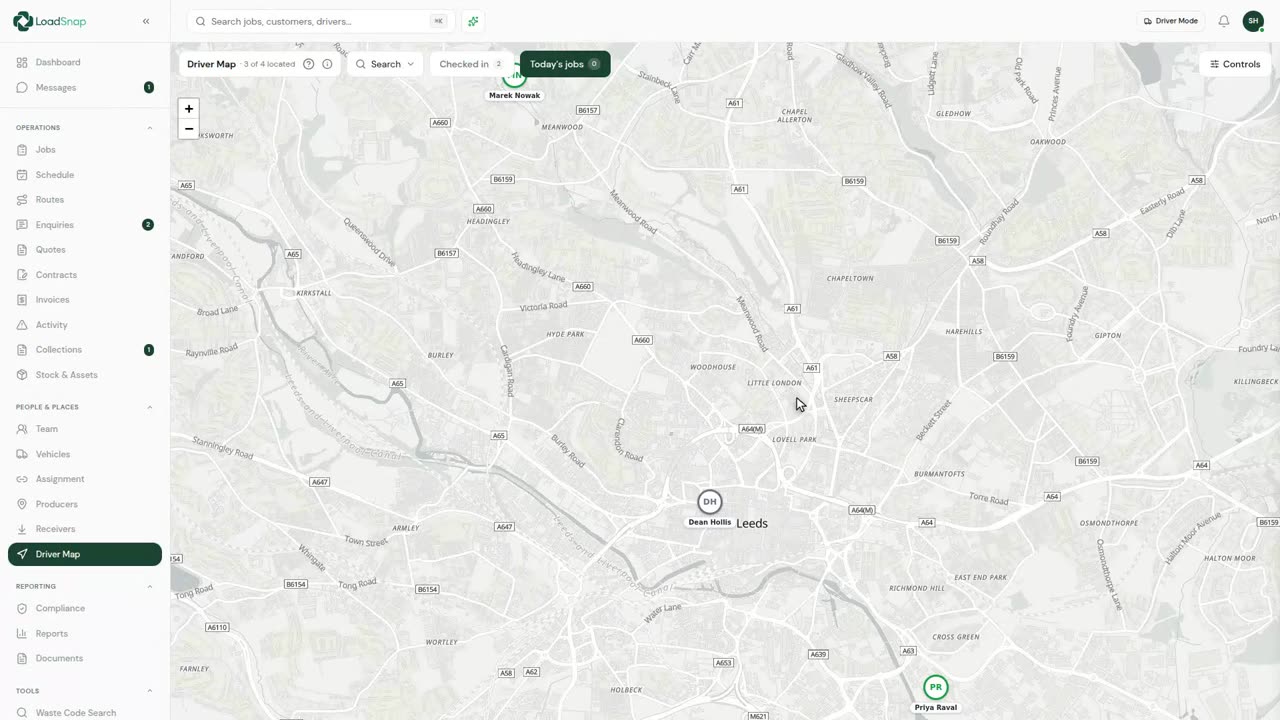
0:08The driver map
The map shows where the fleet is.
Money
 0:14
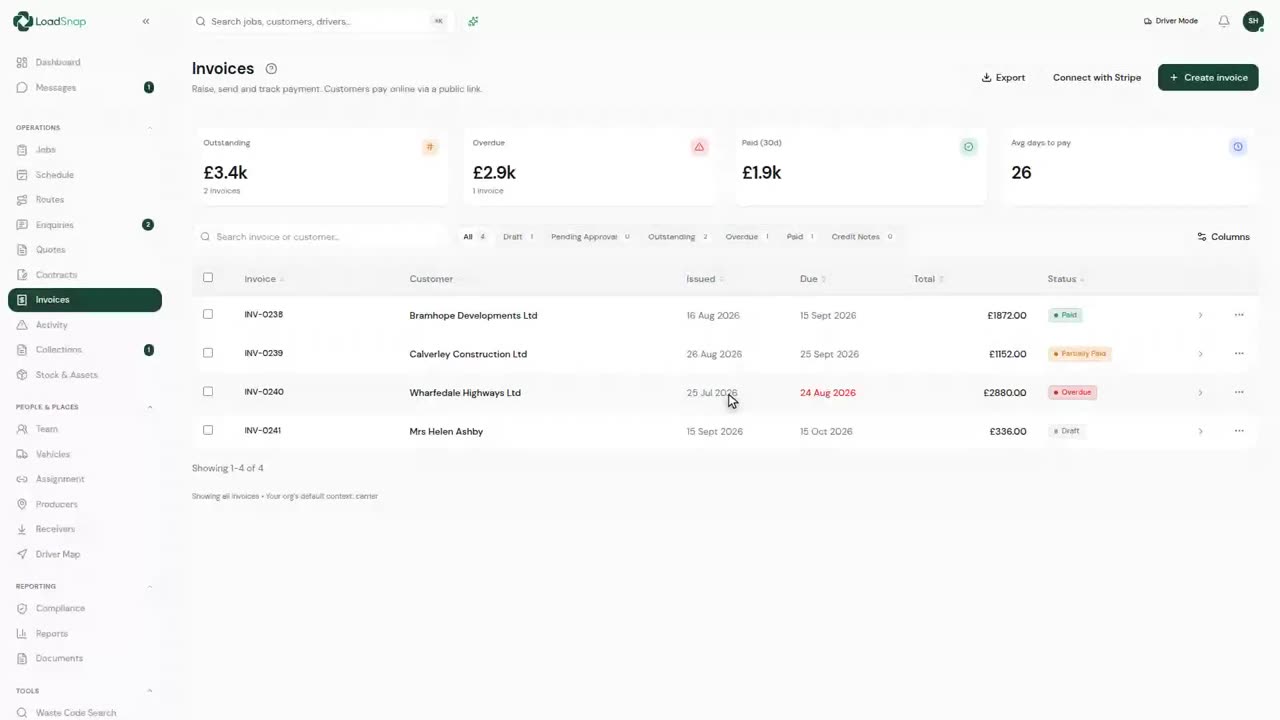
0:14Raising an invoice
Every invoice is raised from work already on the system.
 0:09
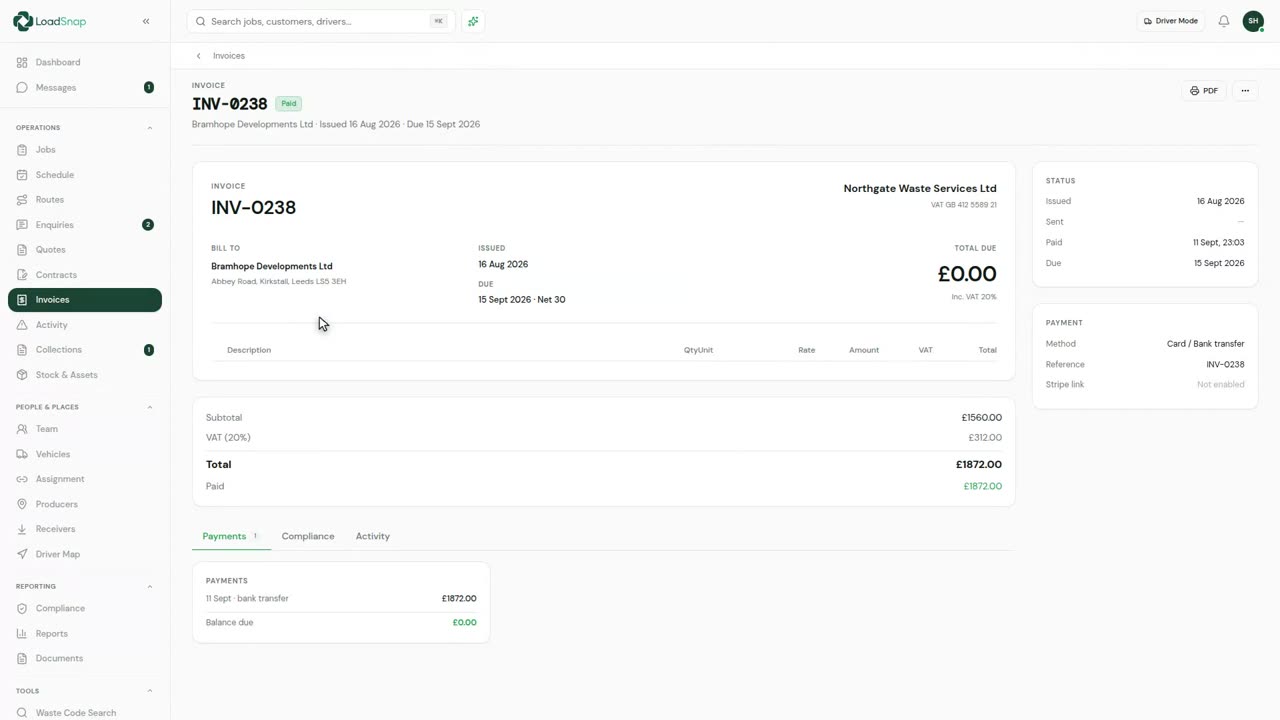
0:09Part payments and chasing
A payment is recorded against the invoice: transfer, cash, cheque or card taken elsewhere.
 0:15
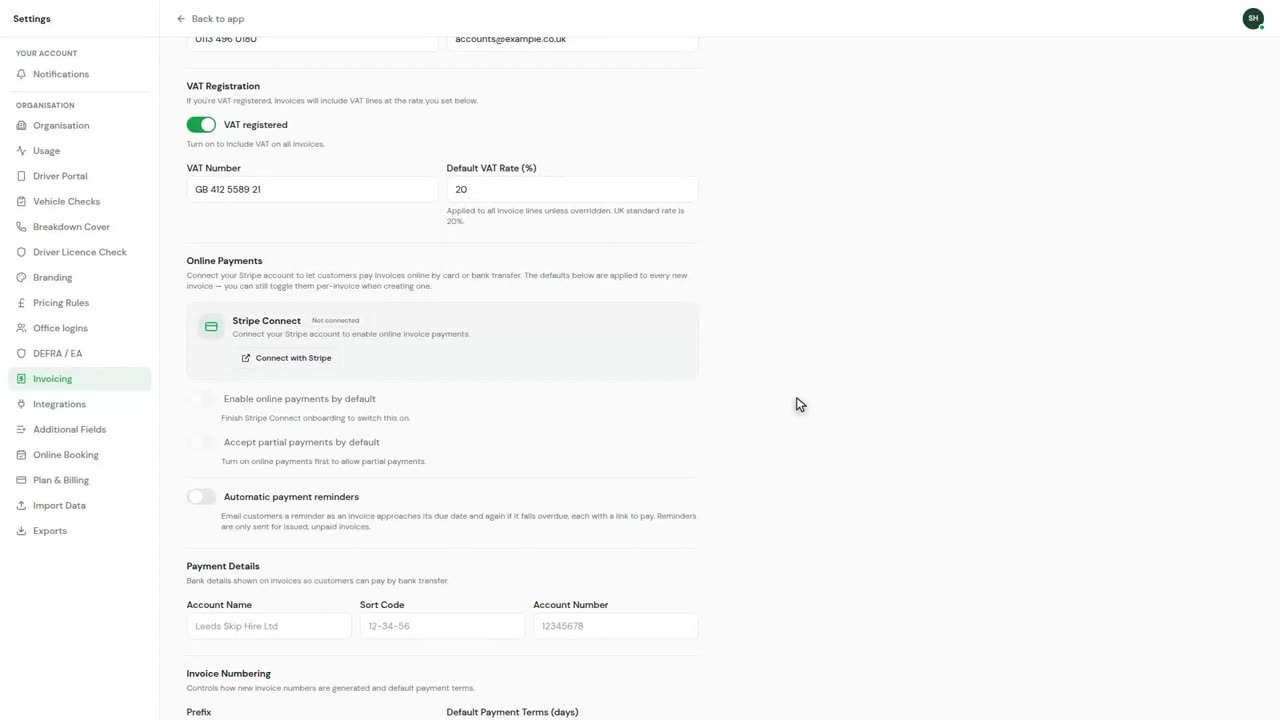
0:15VAT and nominal codes
Invoicing settings are set once and left alone.
 0:10
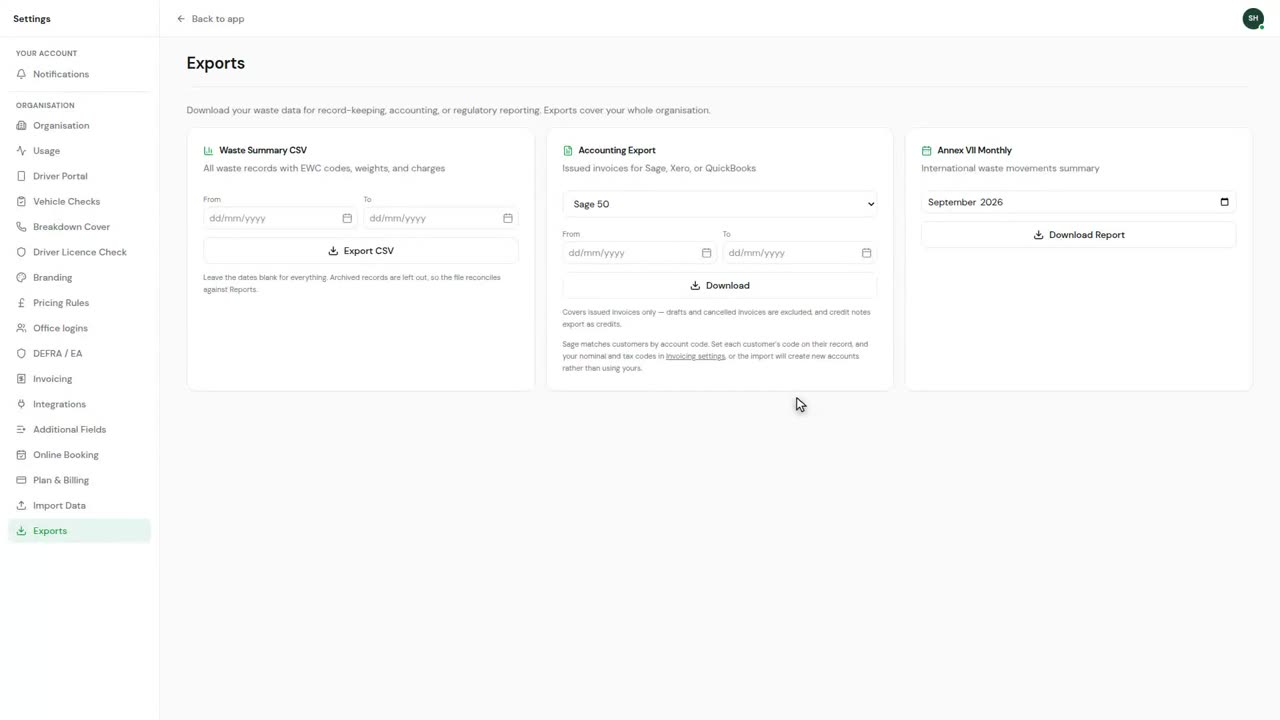
0:10Sage, Xero and QuickBooks export
Exports produce a file, not a live connection.
Portals
 0:14
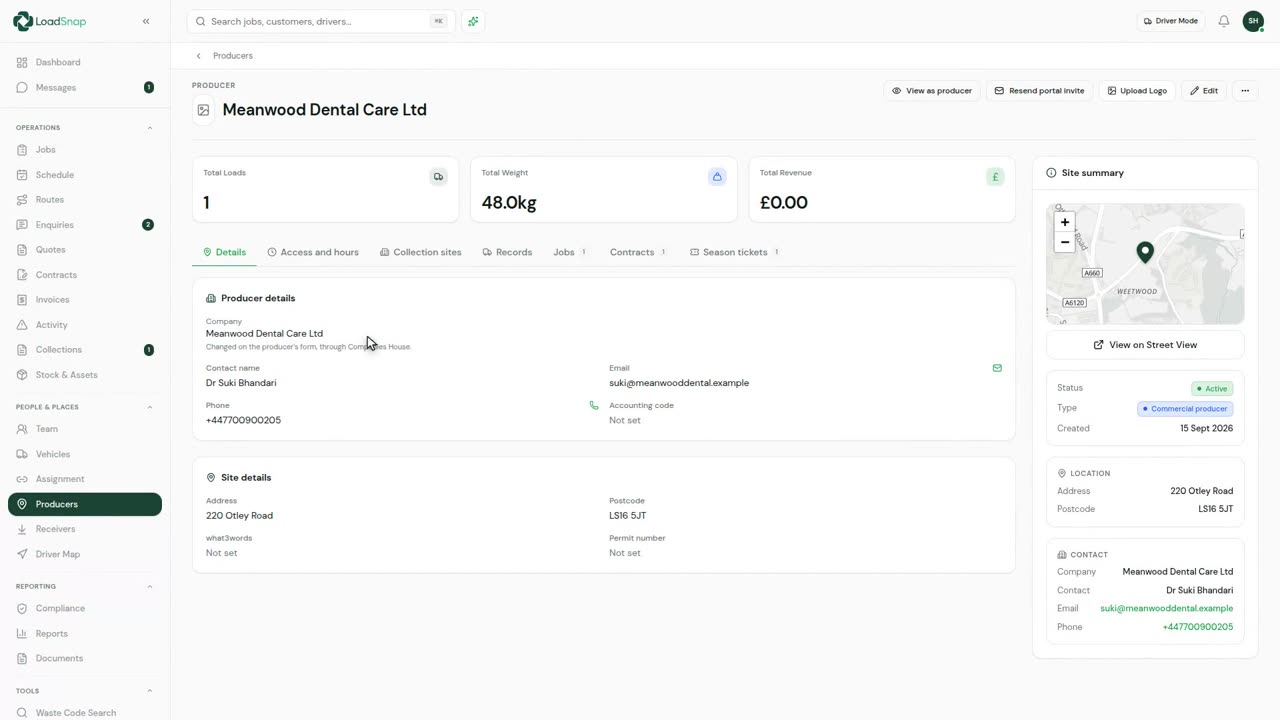
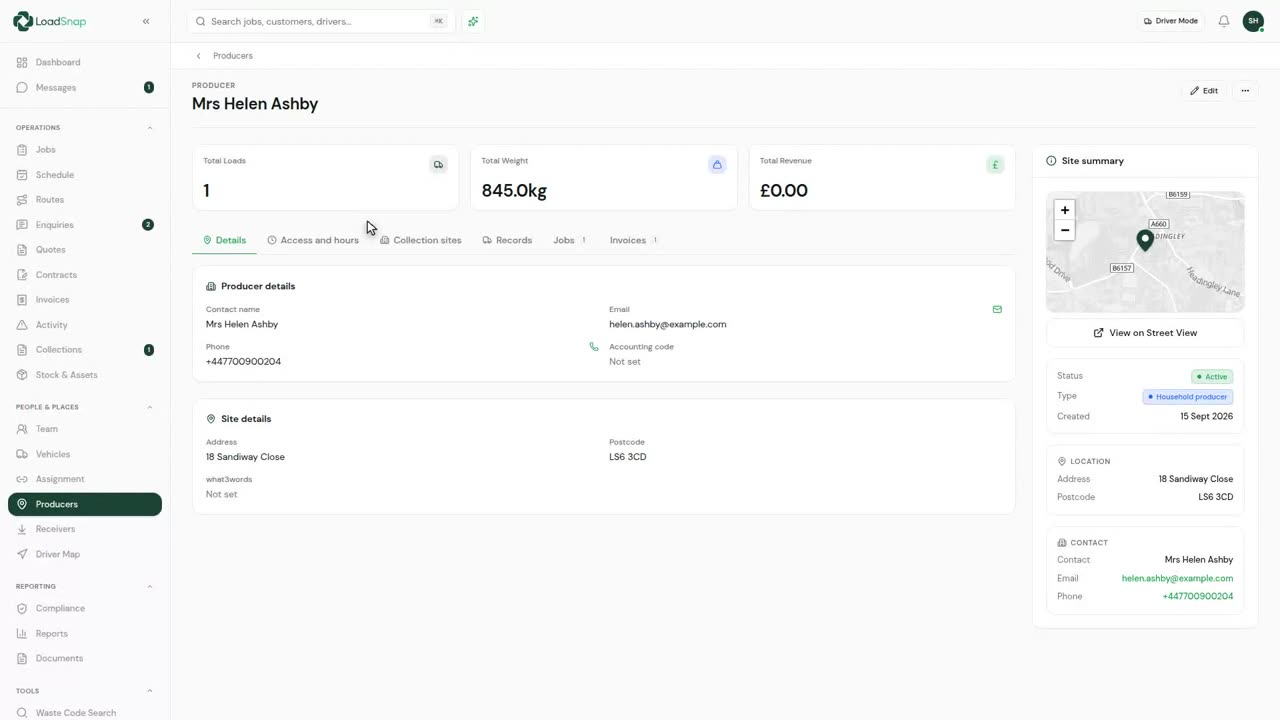
0:14The producer portal
Producers are the sites you collect from, each with its address, contact and history.
 0:11
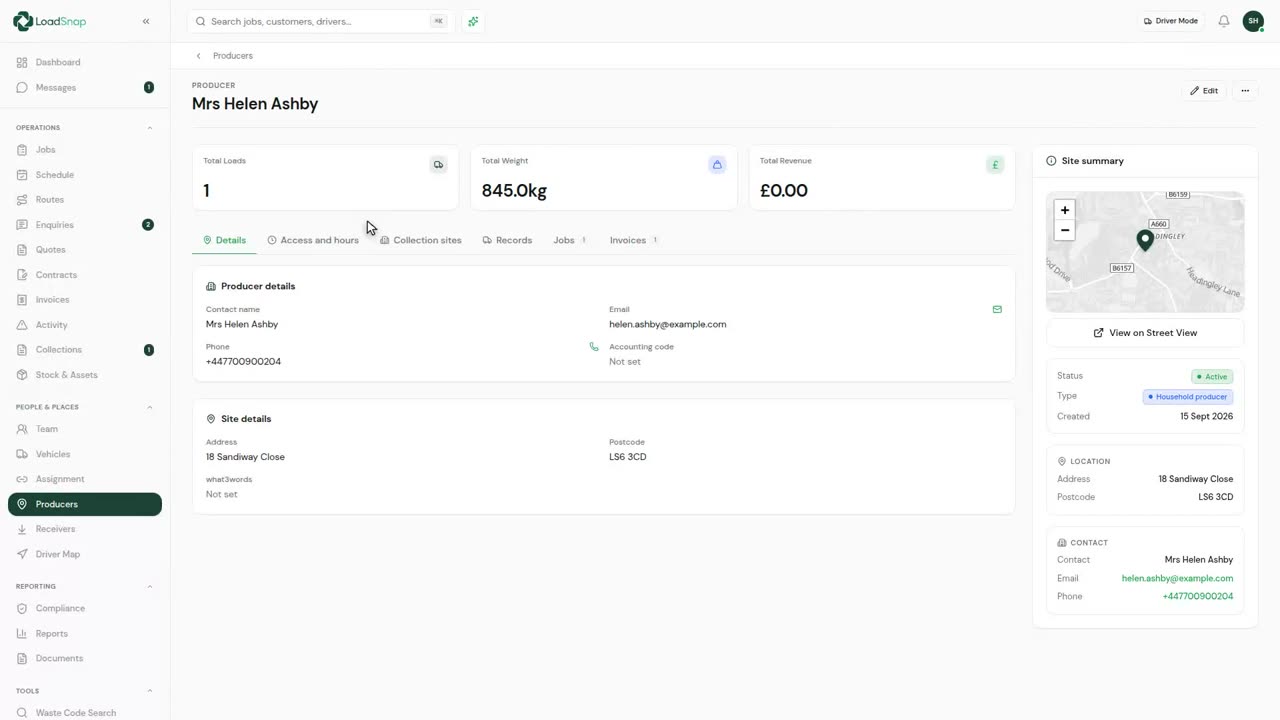
0:11The customer portal
The customer portal is the same record from the customer's side.
 0:10
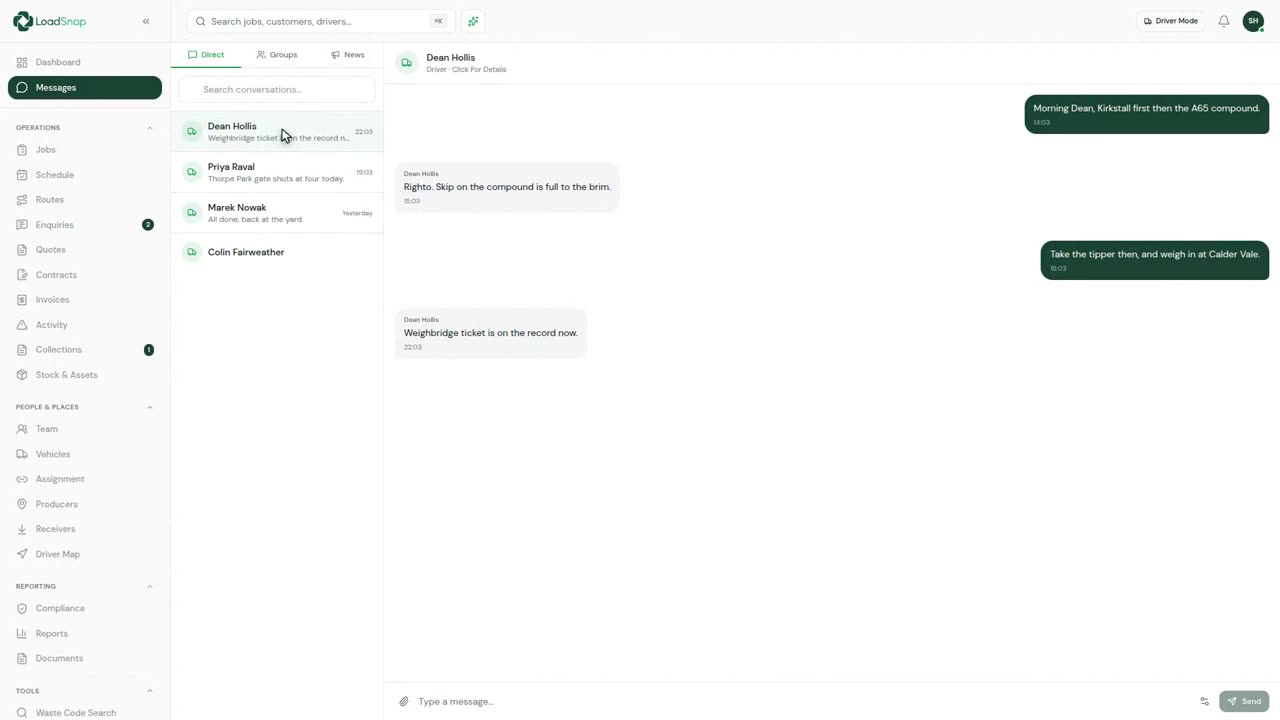
0:10Team chat
Messaging is inside LoadSnap, so office and drivers are not on personal WhatsApp.
 0:17
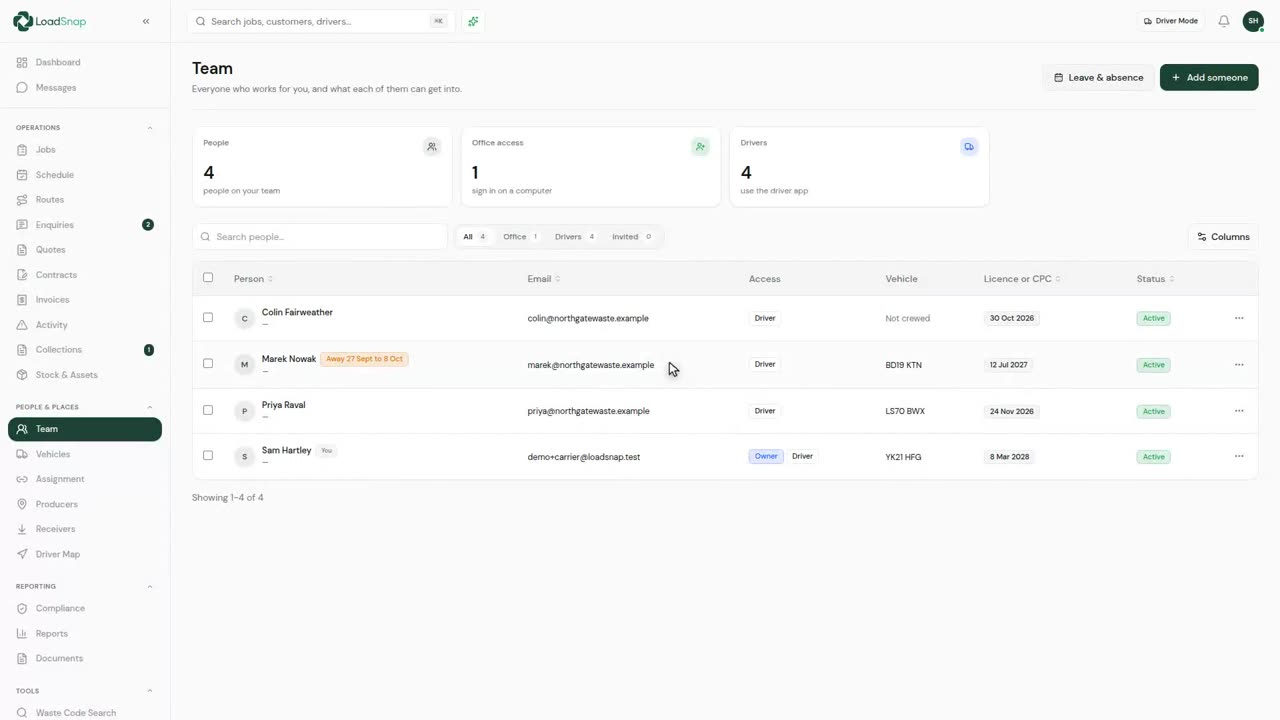
0:17Your team and roles
Everyone who works for you, in one list.
 0:18
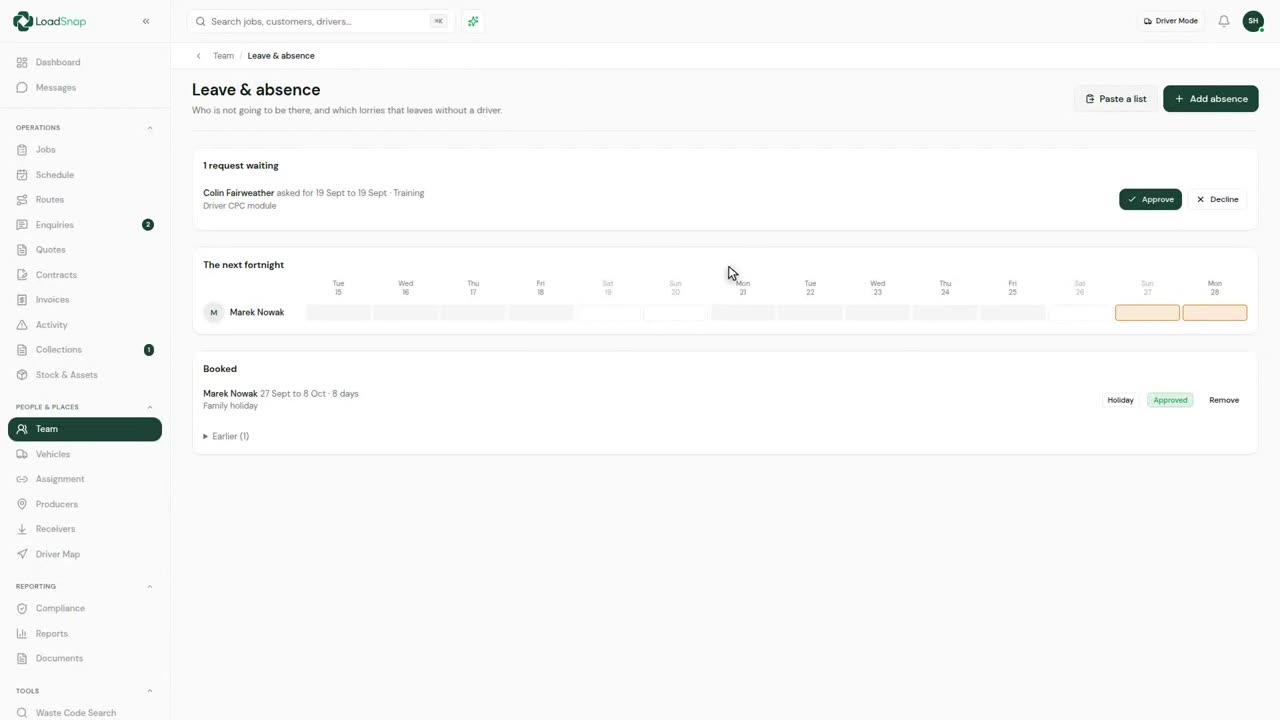
0:18Leave and absence
Who is not going to be there, and which vehicles that leaves without a driver.
 0:19
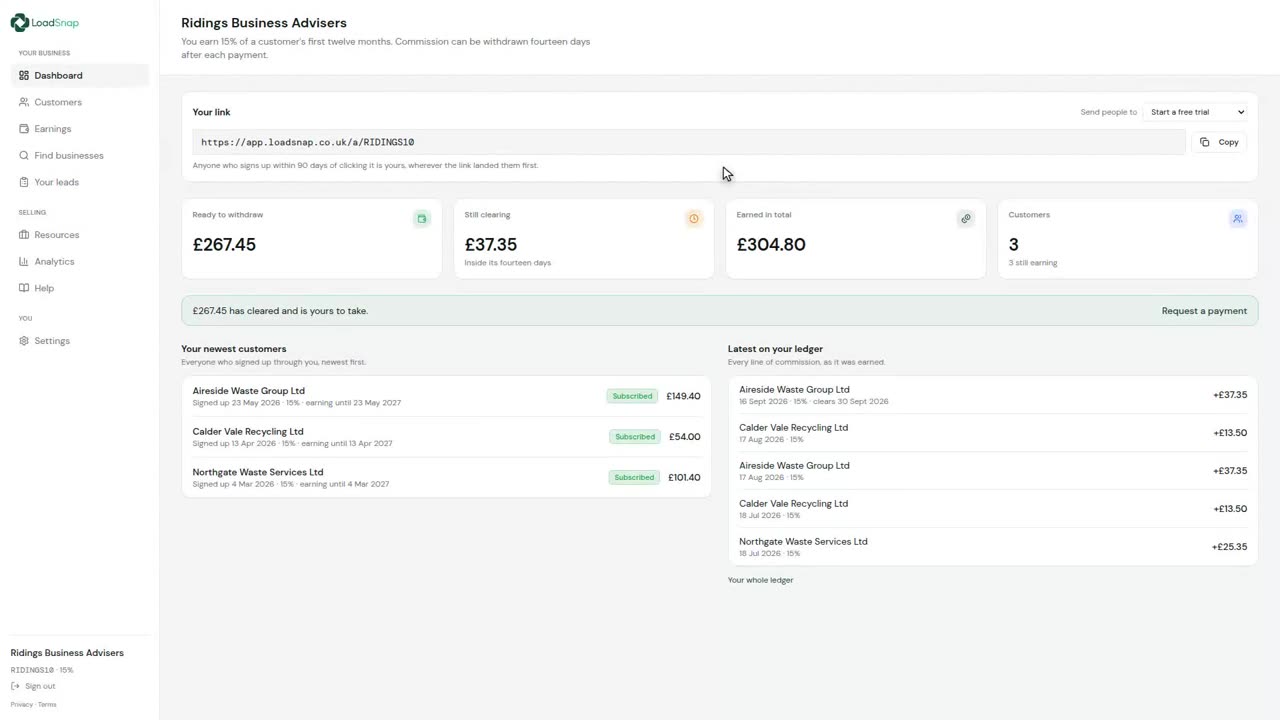
0:19The partner portal
The partner portal, for anyone who introduces customers to LoadSnap.
Insight
 0:11
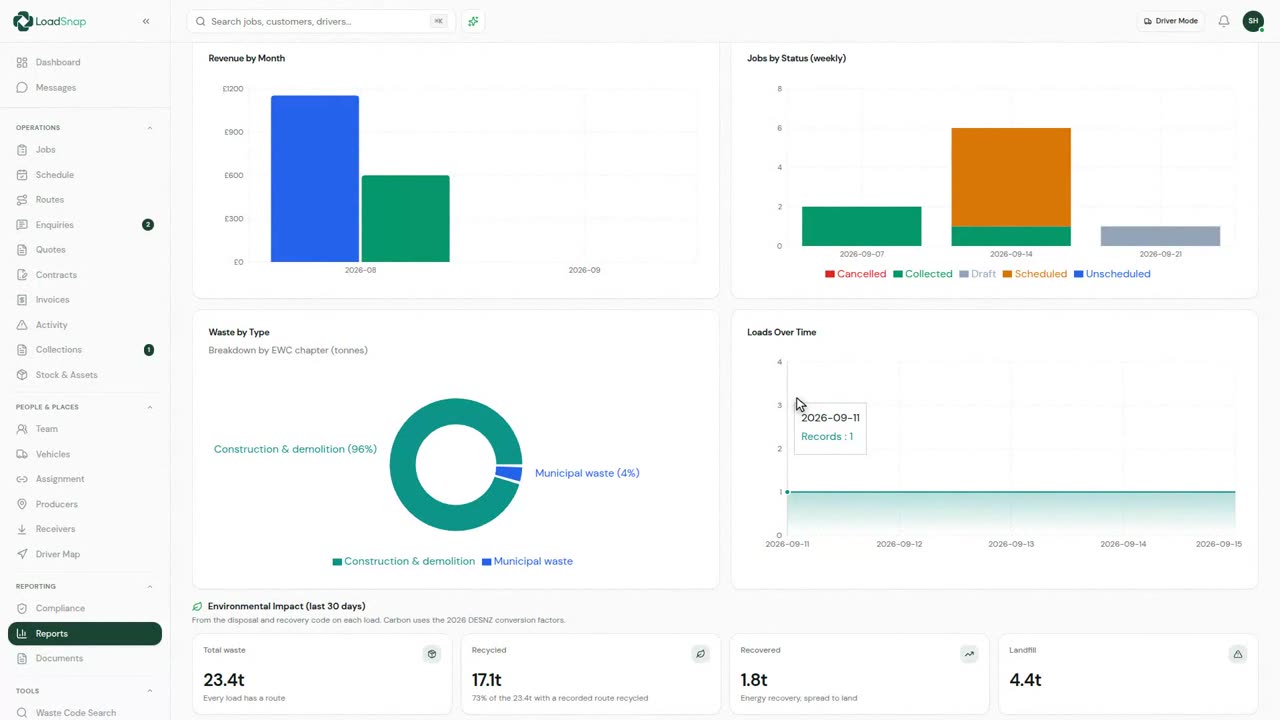
0:11Reports and analytics
Reports read the work itself: overview, financial, operations and containers.
 0:16
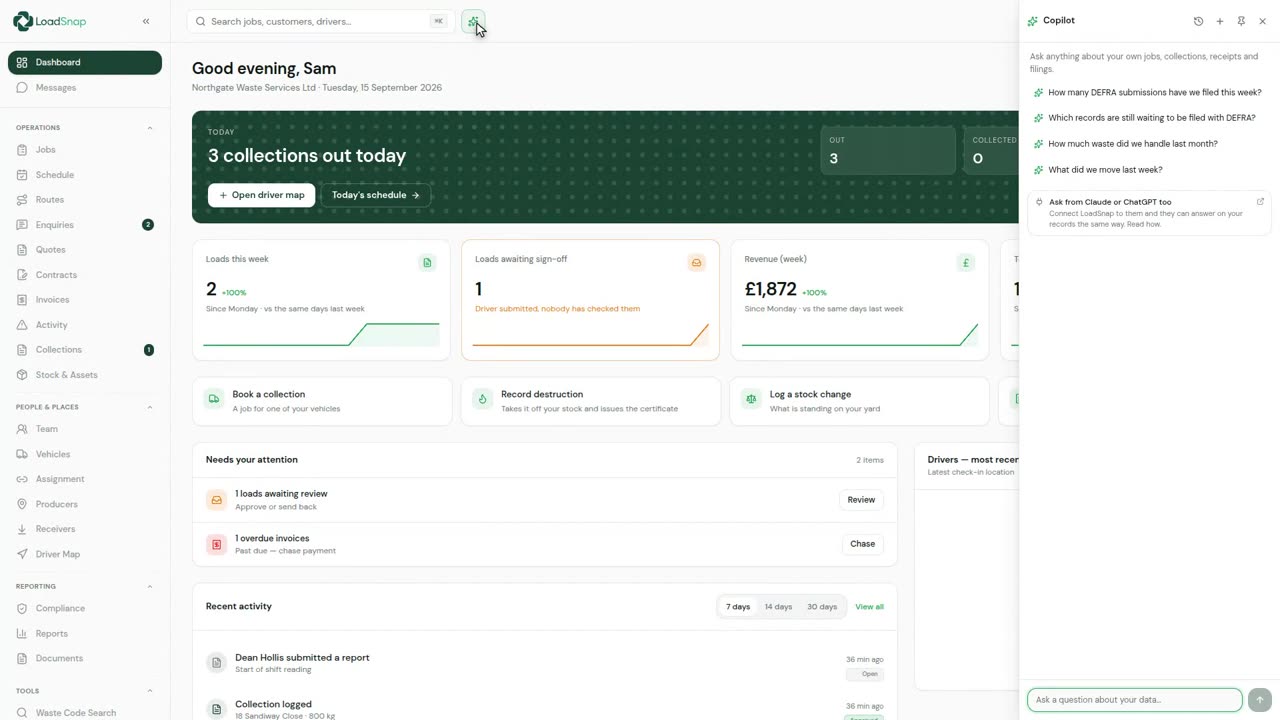
0:16Asking your records a question
Copilot answers questions about your own records.
 0:19
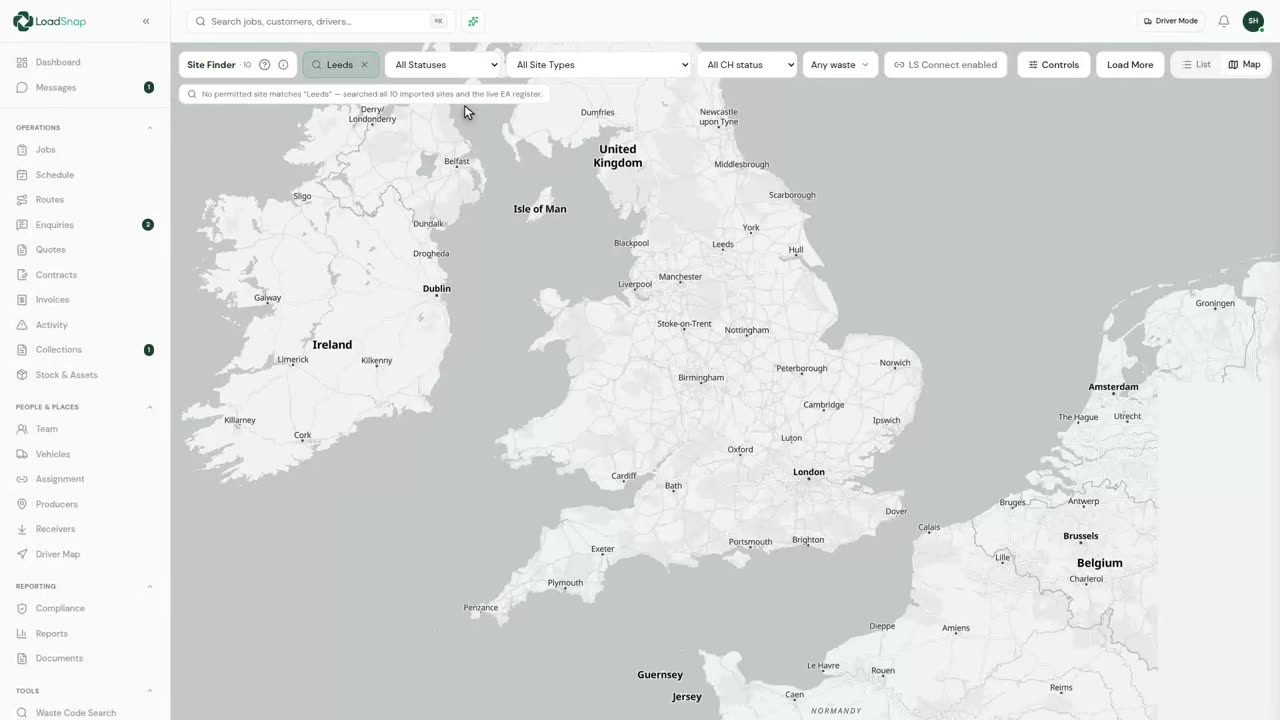
0:19Receiving site and carrier finder
A load has to go somewhere permitted to take it.
 0:08
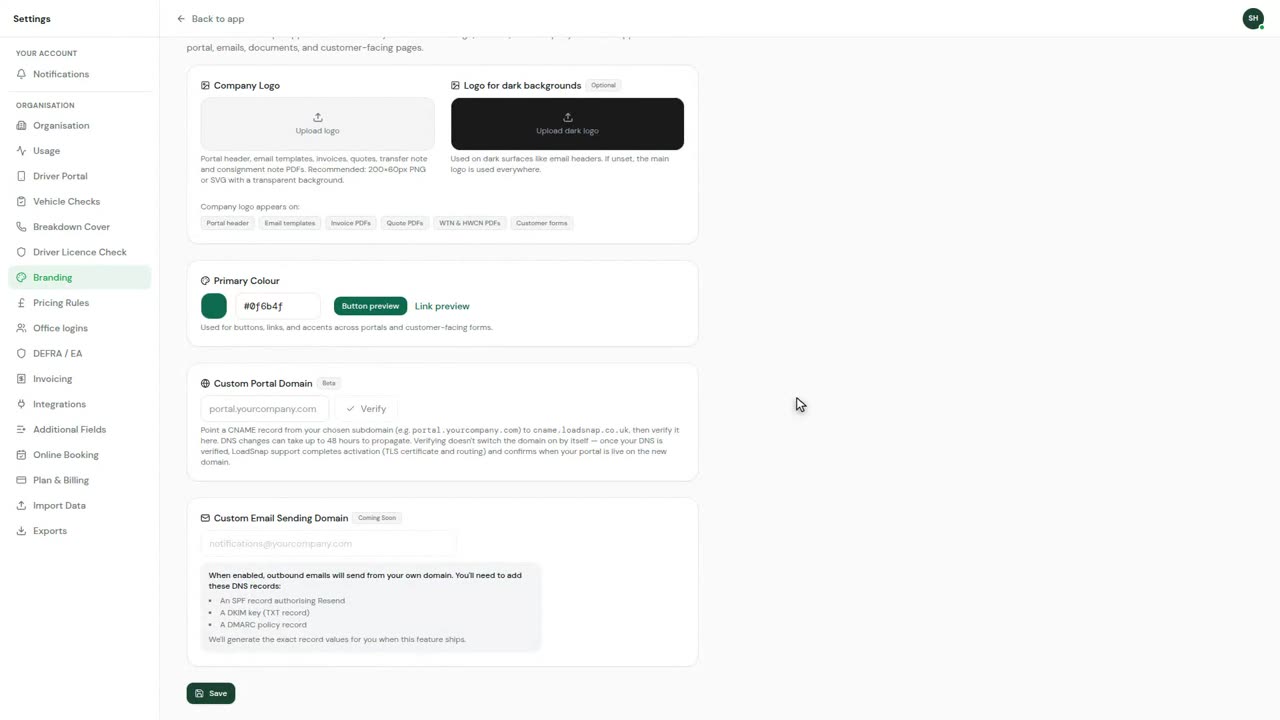
0:08White label
Branding puts your name on what the customer sees.
 0:09
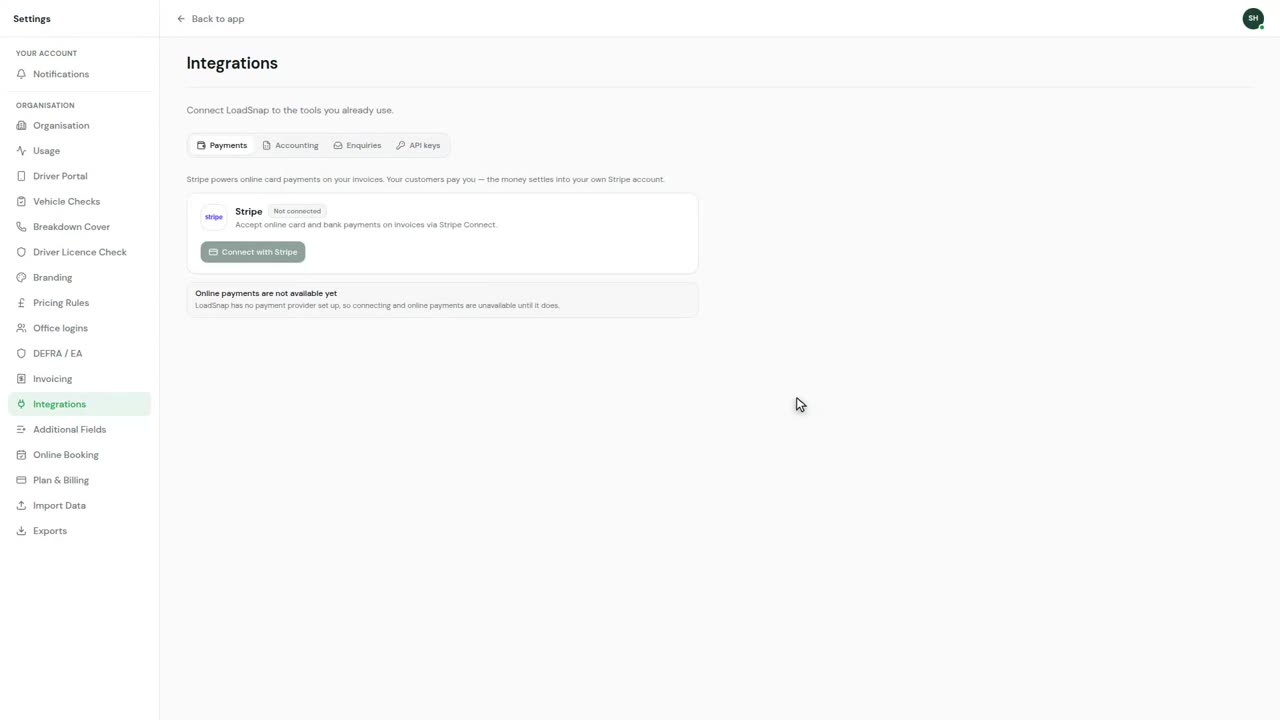
0:09API keys and integrations
Integrations connect LoadSnap to what you already run.
Digital waste tracking is live
The mandate is here.
Automate compliance.
Receiving sites in England and Wales have had to record every load digitally since 1 October 2026. Start a 14-day free trial in minutes, cancel any time before it ends, and file every load from day one.
DEFRA API integrated · EA carrier verification · UK data residency