The LoadSnap app
One app for the cab and the gate, on any phone.
The official LoadSnap app is on the App Store for iPhone and iPad. Every other phone gets the very same app from the browser, with nothing to download. Same login, same jobs, same screens.
Android phones use the browser version for now. It installs to the home screen in two taps.
Two ways to get it
Pick whichever suits the phone in their pocket.
It is one app either way. A driver can start on one and switch to the other without losing a thing, because everything lives on their LoadSnap login, not the phone.
The iPhone and iPad app
For iPhone and iPad, from the App Store
The easiest start on an iPhone. It installs like any other app, with no Safari steps to follow, and job notifications arrive through Apple like a text would.
- Tap the App Store badge, or search for LoadSnap.
- Tap Get.
- Open it and sign in with the email and password the office set up.

Straight from the browser
For any phone or tablet, Android included
Nothing to download and no app store account. Send a link, and once it is on the home screen it opens full-screen with its own icon, just like the iPhone and iPad app.
- Open app.loadsnap.co.uk on the phone and sign in.
- Tap Add to Home Screen. On Android it is in the browser menu, on iPhone it is under Share in Safari.
- Open LoadSnap from the home screen from then on.
Side by side
What is different, and what is not.
Whichever way they open it, this is what they get.
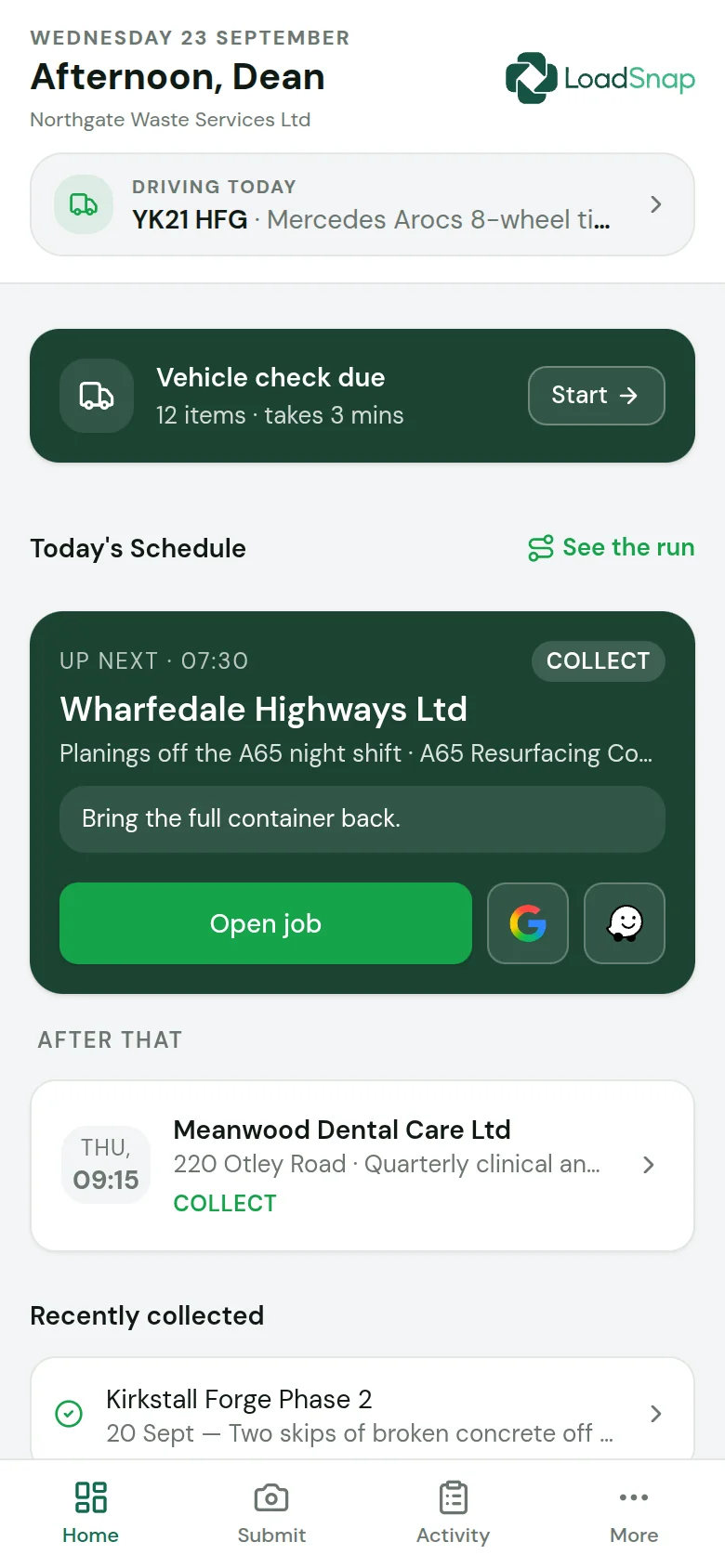
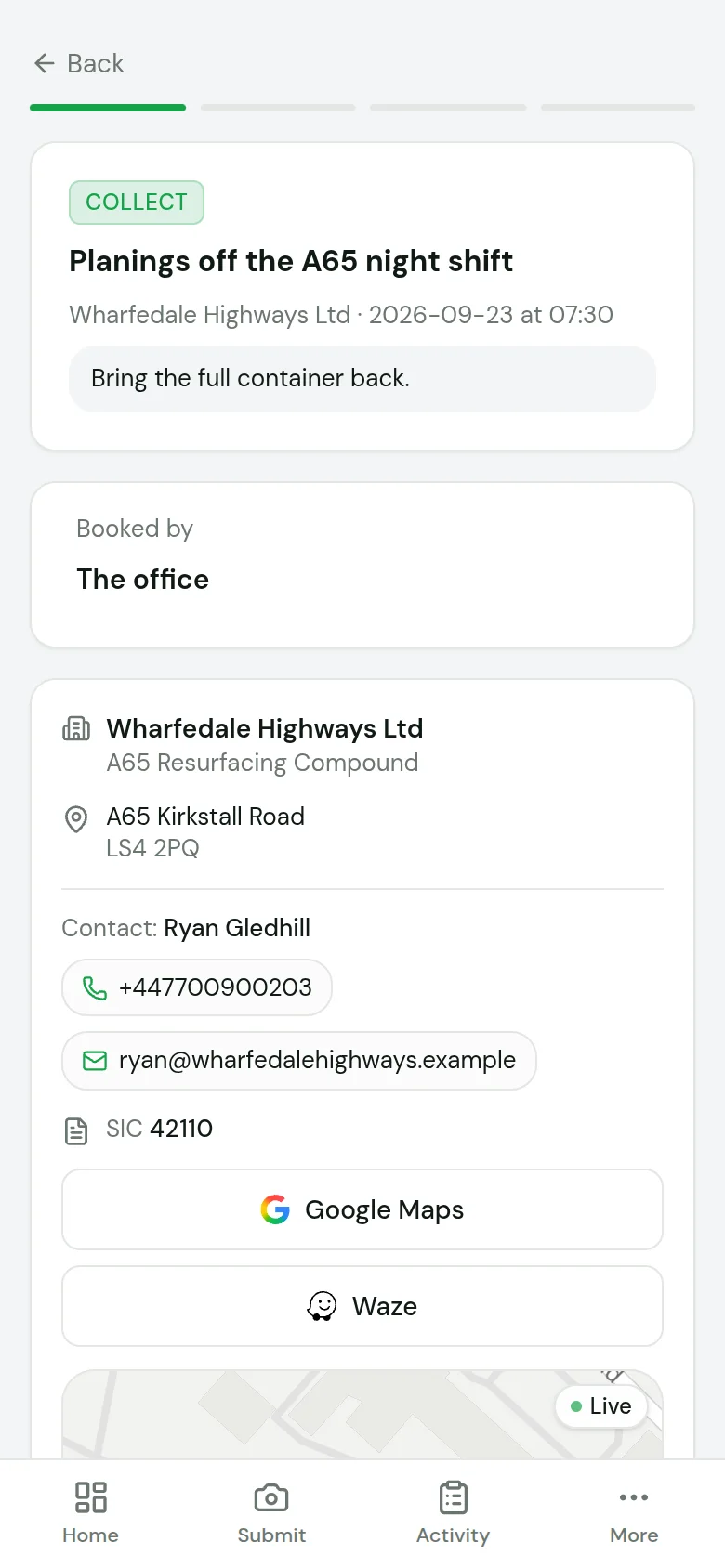
Today's jobs
The run in order, with the site, the contact and directions.
Collect in 90 seconds
Photo, waste code, weight and signature, and the transfer note is done.
Vehicle checks
The daily walkaround before the first job, with photos of any defect.
The weighbridge
Operatives take in loads at the gate from the same app.
Questions
Questions about the app.
01Which should my drivers use?
02Is there an Android app?
03Is the browser version a cut-down version?
04Does it cost extra?
05Can a driver switch from one to the other?
Digital waste tracking is live
The mandate is here.
Automate compliance.
Receiving sites in England and Wales have had to record every load digitally since 1 October 2026. Start a 14-day free trial in minutes, cancel any time before it ends, and file every load from day one.
DEFRA API integrated · EA carrier verification · UK data residency